Switch to a different language:




Modern Music Creation
This free lesson book was born out of a realization during the survey stage of the Erasmus+ funded project “Empowering Digital Transformations for Senior Musicians”. When we spoke with senior musicians, they shared stories of feeling overwhelmed by the pace of digital change and unsure of how to navigate the digital content production tools of today’s music industry. Recognizing these shared challenges, it felt natural to create a resource that could address their needs.

The European Commission support for the production of this publication does not constitute an endorsement of the contents which reflects the views only of the authors, and the Commission cannot be held responsible for any use which may be made of the information
contained therein.
Get the Free eBook
Preface: Embracing Music Production Technology to Its Fullest
Welcome to the transformative world of digital music production! As we stand on the brink of technological revolutions that continually redefine the musical landscape, it’s crucial for artists of all ages, especially senior musicians, to bridge the digital divide that separates generations. In Europe, nearly half of the population lacks basic digital skills, while a significant portion cannot afford access to the internet. This gap represents more than just a barrier to access—it’s a barrier to opportunity, leaving senior musicians disconnected from the vital digital tools that power the modern music industry.
However, technology also creates incredible opportunities, improving the lives of creators by making previously inaccessible tools both affordable and widely available. This shift offers unprecedented precision, uncompromised quality, and efficiency, allowing for the swift creation and modification of sound.
A decade ago, I embraced one special change that epitomizes this freedom: composing and producing my first outdoor recording on a beach with just my laptop and a MIDI keyboard. This experience, which allowed me to create a captivating jingle for a friend’s talk show while surrounded by the natural inspiration of the sea, showcased the miraculous creative freedoms afforded by mobile technology. Every time that jingle played on national television, I was reminded of that sunny day and the incredible possibilities at our fingertips. This pivotal moment marked a significant departure from the confining walls of traditional studios, highlighting the transformative power of technology in music production. The freedom to compose and produce anywhere, unhindered by physical constraints, was not only a personal triumph but also a clear demonstration of how far technology has come. Yet, while some artists, like myself, have eagerly adopted these new tools, many senior musicians remain tethered to old habits and traditional environments, unsure of how to integrate these technologies into their creative processes. This disparity underscores the importance of bridging the digital divide, ensuring that all musicians can experience the same sense of liberation and accomplishment that technology can bring.

This lesson book emerged from a critical need identified during the survey stage of the Erasmus+ funded project “Empowering Digital Transformations for Senior Musicians.” It became evident that many senior musicians were not proficient in computer use, significantly hindering their ability to enhance their artistry through digital means. Moreover, some expressed reluctance to embrace new technology, viewing it as overly complicated and detached from their established methods of creating music.
Senior musicians often miss out on opportunities to compete effectively in the digital realm due to their unfamiliarity with technology, which is now integral to every step of the creative and distribution processes. This lack can prevent them from reaching new audiences and monetizing their content effectively, as consumer habits increasingly favor digital consumption.
The rapid advancement of technology necessitates a concerted effort to address knowledge gaps and promote digital inclusion, ensuring no one is left behind as the industry evolves. This comprehensive training program, developed in collaboration with four organizations under the generously funded Erasmus+ program of the European Union, is dedicated to helping senior musicians navigate the evolving landscape of digital music production.
Our broader project, “Empowering Digital Transformations for Senior Musicians,” and this specific lesson book, aim to equip senior musicians with the necessary skills and knowledge to thrive in the digital age. By focusing on enhancing digital literacy, this book serves not only senior musicians but also cultural organizations seeking to support them. Our goal is to foster an environment where seasoned artists can continue to innovate and inspire within the digital domain.
Throughout this book, you will find a curriculum tailored to bridge traditional musical practices with modern digital technologies, providing a comprehensive resource for learning and growth specifically dedicated to the needs of senior musicians. From mastering digital audio workstations to understanding the nuances of music production, each lesson is designed to empower you to embrace these tools confidently.
As we embark on this journey of digital exploration together, let’s embrace the learning curve with enthusiasm and recognize that each step forward enhances our ability to express creativity in new and exciting ways. This journey is not just about adapting to new technologies but about transforming the way we create, share, and enjoy music. This book aims to inspire senior musicians to embark on their own digital production journeys, leveraging the power of modern technology to enhance their careers and the experiences of their listeners.
Lesson 1: Embracing the Full Spectrum of Music Technology
This lesson embarks on an exploration of the evolution of digital music technology, unveiling its significant impact on accessibility, creativity, and the entire process of music production. We will navigate through the milestones of digital music, demonstrating how these advancements have revolutionized the music landscape, making it an exhilarating era for musicians of all skill levels. In order to truly understand where we are now, it is important to acknowledge and study the history of music production. It is a fascinating journey where significant advancements have been made over the last century. With the advent of great technology comes great quality sound. We have not always lived with stereo and Dolby standards, but today, we are fortunate to have the capability to deliver near-live quality recordings right into the ears of our audience, bringing us closer than ever to our listeners.
The Historical Evolution of Music Technology is starting with Thomas Edison’s invention of the phonograph in 1877, when we first marked the inception of recorded music. This groundbreaking invention was not just a product of curiosity or scientific pursuit; it was Edison’s response to the growing demand for more accessible and replicable music experiences. Before the phonograph, music was confined to live performances, limiting audience size and accessibility. Edison envisioned a world where sound could be captured, stored, and replayed at will, radically democratizing music consumption.
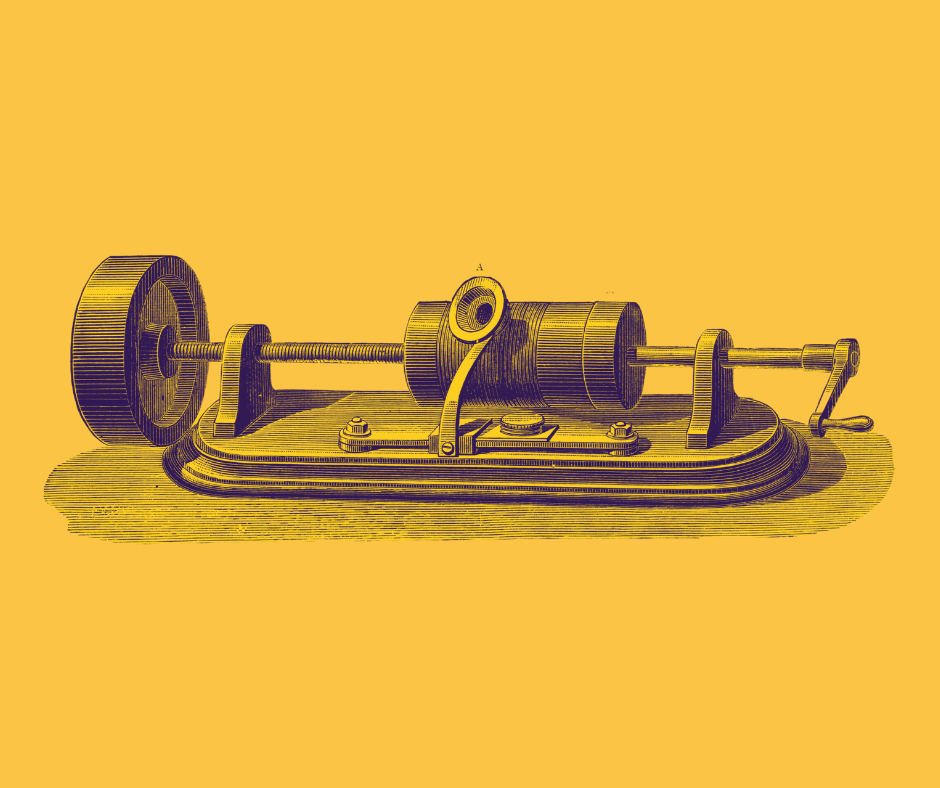
The public’s reception to recorded music was a mix of awe and fascination. For the first time, listeners could enjoy performances in their own homes, experiencing the magic of concerts without attending them physically. This capability fundamentally changed the music industry and consumer behavior. It shifted music from a transient, ephemeral experience to a permanent, consumable product. Audiences now had the unprecedented ability to replay their favorite pieces, fostering a new culture of music appreciation and critique. The phonograph paved the way for mass media and entertainment, setting the stage for the future of the music industry and media consumption.
As we progressed into the electrical era of recording between 1925 and 1945, technological innovations such as microphones, vacuum tubes, and magnetic tape recording emerged. These developments dramatically enhanced the fidelity and clarity of recorded sound, setting the stage for high-fidelity stereo recordings and multi-track tape recording, which became pivotal in the music industry.
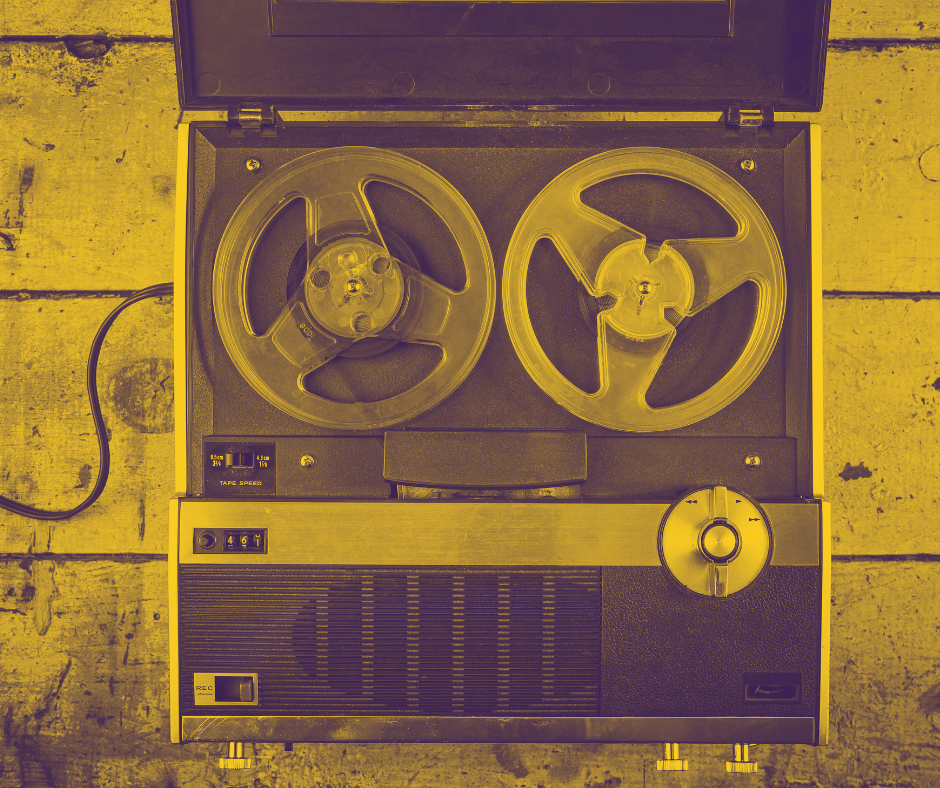
The magnetic era from 1945 to 1975 introduced magnetic tape technology, revolutionizing the recording process by allowing for longer recordings with higher fidelity. This era also saw the rise of cassette tapes and the Sony Walkman, which transformed music consumption by making it portable.
Transition to the Digital Era
The 1970s marked a shift in audio recording, as companies began experimenting with digital audio as a method of recording, though it was not yet available to the general public. By 1976, Philips had developed a working prototype of an audio-only disc using laser videodisc technology, while Sony, simultaneously and independently, created their own prototype based on similar technology. Despite being competitors, Philips and Sony had a history of cooperation, including their joint development of the compact cassette standard in the 1960s. This spirit of collaboration continued as they agreed to standardize the new format, which would soon be known as the compact disc (CD).

The CD marked the beginning of a significant shift from analog to digital recording. Initially, Philips and Sony disagreed on almost every standard for CDs except for one: a maximum recording time of one hour. An interesting tidbit to know: the final specifications for the diameter and maximum playing time of the disc were influenced by a rather personal and quirky fact—the wife of Sony’s vice president insisted that a CD must be able to hold Beethoven’s Ninth Symphony in its entirety. After confirming that the longest known recording of the symphony was 74 minutes, they set the CD’s maximum playing time to match and required a diameter of 120 mm to accommodate this.
Philips’ subsidiary Polygram, which was one of the world’s largest music distributors, had already set up a CD plant in Hanover, Germany capable of producing discs with a diameter of 115mm. However, to avoid giving Philips a competitive advantage, Sony insisted on the 120 mm diameter. This decision, ostensibly influenced by musical passion, was also driven by competition and market dynamics. The CD was officially launched on November 1, 1982, following an agreement to introduce the technology first in Japan, where Philips had no market share, and then globally in March 1983.
The introduction of the CD revolutionized the music industry by providing superior sound quality and durability over analog formats. The first CD players were initially expensive, costing over $2000, but prices quickly dropped, making the technology more accessible. By just five years after their introduction, CDs had surpassed vinyl LPs in sales, marking a significant milestone in the digital revolution of music. This transition was further accelerated in the mid-1990s with the expansion of personal computers and the internet, empowering musicians with sophisticated tools for recording, editing, and distributing music globally.
Advantages of Digital Over Analog
The digital era was born from a pursuit of unparalleled sound quality and operational convenience, setting a new standard in audio production. Its advent promised to streamline workflows, expedite editing processes, and expand creative possibilities beyond the limitations of analog technology. This transformative period marked a definitive shift in how music was produced, manipulated, and shared, embedding digital tools at the core of modern music creation. With the digital realm established, artists and producers were empowered to achieve precision and flexibility that analog could never offer, making digital technology an enduring pillar in the music industry.
Digital audio offers tremendous flexibility compared to traditional analog methods. Unlike analog tape recordings where edits are permanent, digital audio allows for non-destructive editing—meaning you can experiment and modify sounds without losing the original recording. This ability to undo and revise is just a small example of how the technology freely revolutionizes the creative workflow and enhances experimental possibilities.
Additionally, digital technology enables a broad array of sound manipulation techniques that are either impossible or very cumbersome with analog systems. For instance, with digital tools, artists can effortlessly apply complex effects such as time-stretching, pitch shifting, and advanced equalization with precision. This level of control empowers artists to achieve their creative vision without the physical and technical limitations of analog equipment.
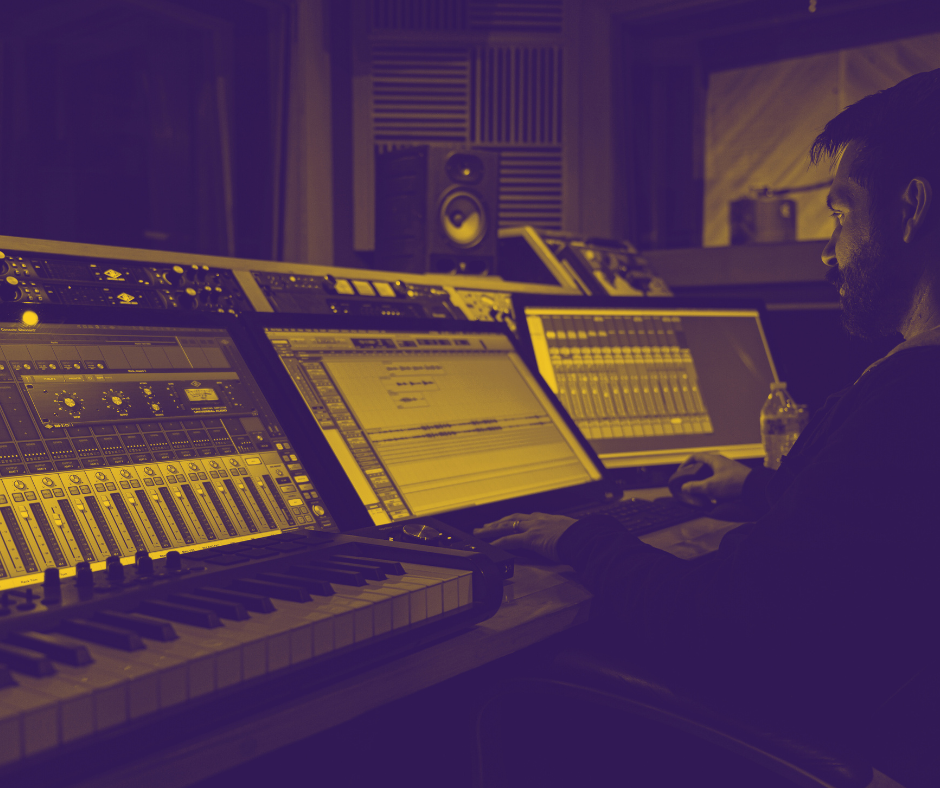
Digital systems also enhance creativity and reduce production costs through the use of virtual instruments, making it possible for example to produce complex things like a realistically sounding symphonic orchestra without the need to physically record one. The use of virtual instrument plugins allows musicians to access a vast library of instrument sounds and articulations, which they can manipulate to fit any composition, fostering innovation and expanding the musical palette. This capability not only simplifies the production process but also opens up new possibilities for sound design and musical expression, enabling artists to experiment with compositions that would have been either too costly or logistically challenging to realize with traditional instruments.
Digital formats also facilitate easier integration and collaboration. Audio files can be easily shared and worked on across different devices and locations, accelerating the production process and broadening collaboration opportunities. Artists can now work together seamlessly without being confined to the same recording space, the same country or even the same continent.
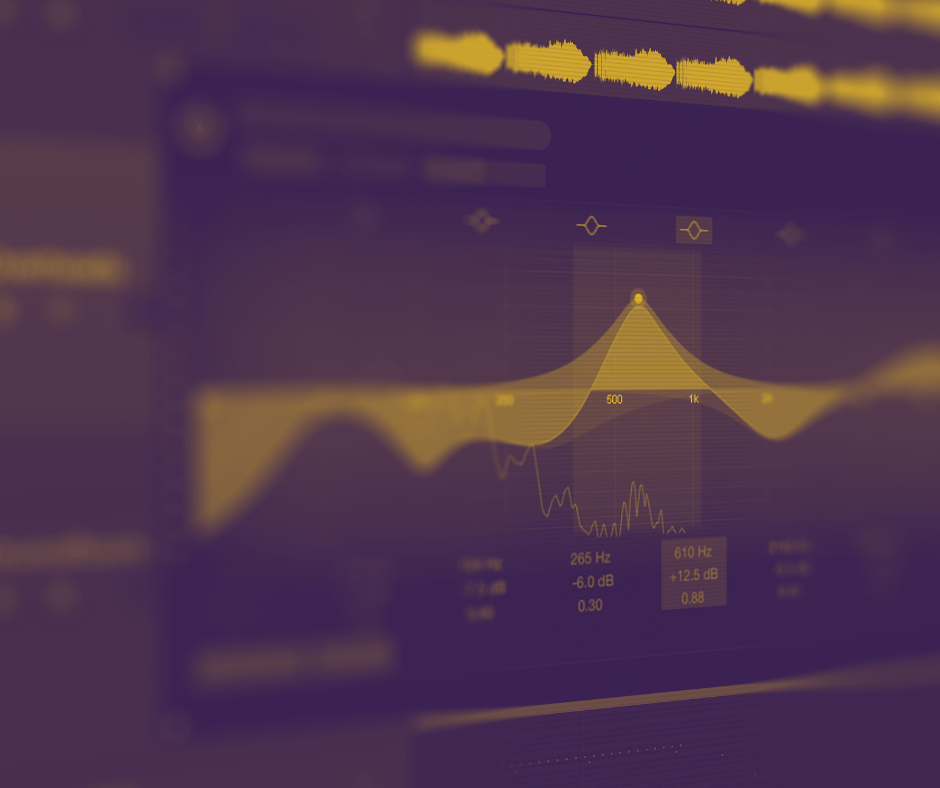
Moreover, digital technology offers streamlined workflow capabilities, such as the ability to save project settings for immediate recall. This means that specific configurations and preferences can be stored and retrieved effortlessly, ensuring that artists can resume work exactly where they left off, a feature particularly absent in analog setups.
Overall, the shift from analog to digital has equipped musicians with a powerful toolkit that enhances creativity, efficiency, and collaborative potential, marking a profound evolution in music production.
Conclusion
The exploration of the evolution of digital music technology in this lesson underscores not only a monumental leap in how music is produced and consumed but also illuminates a broader cultural shift towards more personalized and accessible music experiences. From Thomas Edison’s groundbreaking invention of the phonograph to the sophisticated capabilities of today’s digital audio workstations, we’ve seen how each technological advancement has expanded the horizons for musicians and producers alike. Understanding these historical developments equips us to better navigate the complexities of the modern music industry and fully embrace the tools that enhance creative expression. We don’t need to choose the hard path when smarter, more efficient options are available, enabling us to achieve greater results with less effort and truly excel in our creative endeavors.
As we look forward, it is essential to continue exploring and leveraging emerging technologies—such as artificial intelligence in music creation, advanced digital synthesis, and immersive audio formats like spatial audio. These innovations promise to push the boundaries of what’s possible in music production further, ensuring that we remain at the forefront of innovation. By staying engaged with these developments, we not only enhance our own creative capabilities but also ensure that we can connect with global audiences in new and exciting ways. Let’s remain committed to this journey of perpetual learning and innovation, embracing each new tool and technique that comes our way. One vital mantra echoed throughout this book is the importance of continuously sharpening our skills and staying abreast of industry trends. Lifelong learning not only keeps our minds sharp and boosts our self-esteem, but it also opens doors to career advancements. Engaging in new classes and exploring fresh passions allows us to acquire practical skills and connect with like-minded individuals. This journey reinvigorates our sense of purpose and worth, enriching both our personal and professional lives.
Furthermore, this ongoing commitment to embracing technology will empower us to participate in the shaping of the future of music, ensuring that we continue to inspire, innovate, and resonate with listeners around the world through our artistic expressions. As you harness these digital tools, remember that each step forward enriches not just your own creative journey, but also the cultural tapestry of our global community. Let this book be a stepping stone towards mastering the art of music production in the digital age, driving you to explore new realms of creativity and expression. Embrace these challenges with enthusiasm and determination, knowing that your contributions to music are invaluable and impactful. With every project you undertake, you’re not only refining your skills but also paving the way for future generations of musicians.
Lesson 2: The Role of Computers in Music Production
In our study under the Erasmus+ project, we surveyed 43 senior musicians to understand their frequency of computer usage. The findings were somewhat disheartening, revealing that many senior musicians use a computer less than once every few days. While smartphones are incredibly versatile and capable of managing numerous everyday tasks, the demands of music production necessitate a more robust setup. A stable computer and a dedicated working environment are essential for handling the sophisticated software and large files typically involved in producing music. This setup not only ensures efficient workflow but also supports the complex processes involved in editing, mixing, and mastering tracks, which can be too intensive for mobile devices to handle effectively.
Using a computer for recording and music production offers a myriad of advantages, making it a cornerstone of modern musical creativity. Computers provide a cost-effective and flexible solution for both amateur and professional musicians, eliminating the need for expensive studio equipment. In today’s digital age, computers are integral to various stages of music production, including composition, the recording of voices and instruments, orchestrations and arrangements, sound editing, mixing, and mastering. These versatile machines support a wide range of software that can emulate an entire studio’s worth of equipment—from synthesizers and drum machines to mixing consoles and mastering suites—providing a comprehensive toolkit for musicians and producers. Moreover, with the advancement in technology, laptops have become powerful enough to handle most general music production tasks, offering portability without compromising on the processing power needed for complex productions. This accessibility allows musicians to set up a virtual studio almost anywhere, broadening the possibilities for where and how music can be produced. Whether in a home studio, during travel, or in live performance settings, computers have become indispensable in the music industry, fostering innovation and creativity across all music genres.
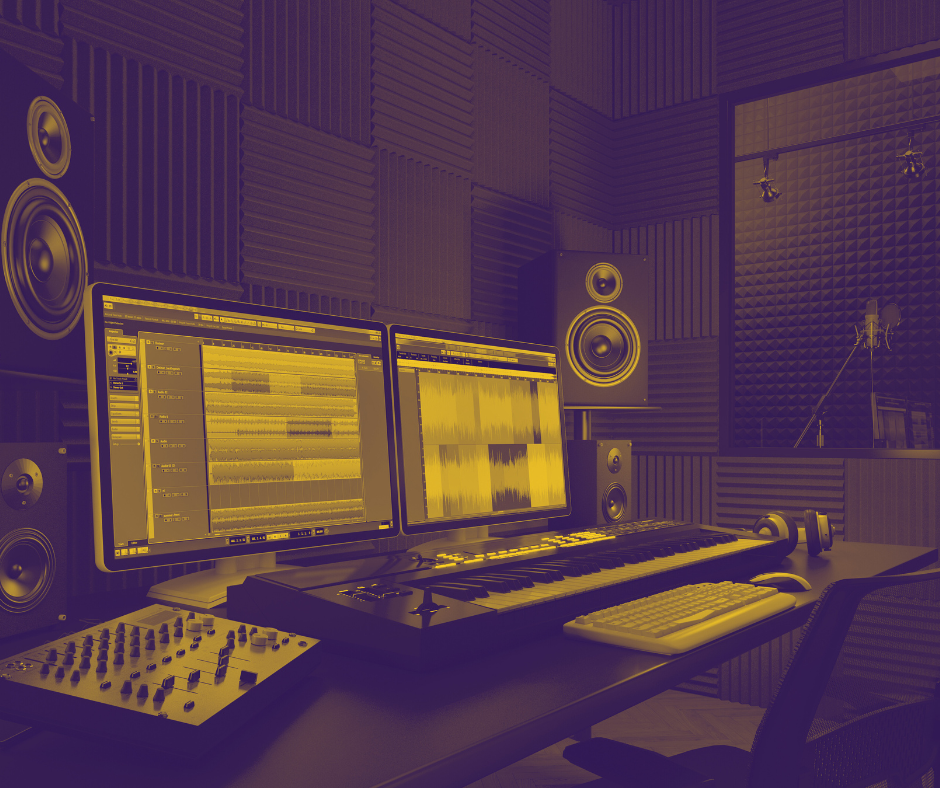
Reflecting on the early days of my journey into computer music, the landscape was quite different. Back then, laptops were not yet capable of handling the demands of music production. I remember the necessity of building a desktop computer to get started with producing music—a daunting task at the time and as a teenager, I knew little about the intricacies of computer hardware.
One day, I was handed a long and overwhelming price list of various computer components from which I needed to make selections. Fortunately, my mother had a friend who was knowledgeable in this area and helped me choose the right components. It was during this stage that I began to understand the roles of different computer parts and how they influence the sound processing capabilities of a system. This experience was not just about building a computer; it was an educational journey that shaped my understanding of digital music production, laying the foundation for the creative possibilities I explore today.
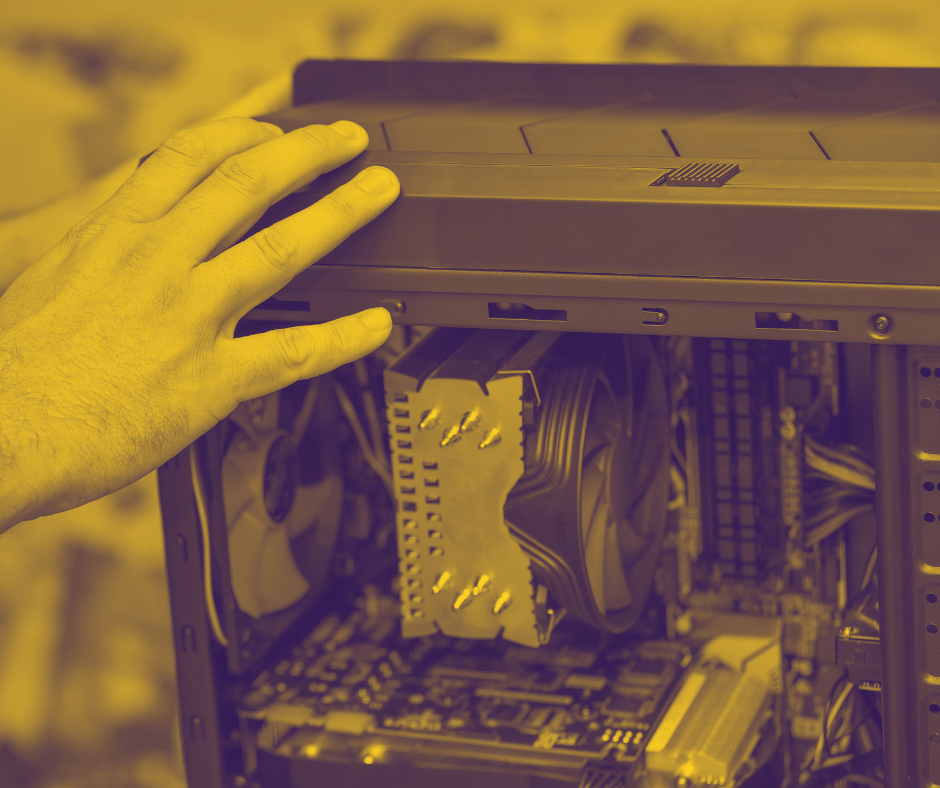
It didn’t take long for me to learn how to upgrade some components or even build a computer system from scratch. Impressively, the fundamental knowledge of these components and their functions remains relevant even two decades later, as the core roles of these parts have largely remained unchanged.
In this lesson book, we will delve into the structure of the computer and explore how different components influence the music production capabilities of your system. For those looking to create a very powerful studio centerpiece, a desktop computer might be the better choice due to its higher potential for customization and power. However, if portability is a priority, choosing a laptop might be more suitable. Depending on your specific needs and use cases, there are numerous combinations of components that can be tailored to optimize your setup, ensuring that it aligns perfectly with your musical aspirations and workflow preferences.
Beyond the tangible advantages of hardware, the power of computers in music production is significantly amplified by their software capabilities.
The Components Inside the Computer
In the realm of music production, understanding the components of your computer is akin to knowing the instruments in an orchestra. Each part plays a critical role in ensuring the overall performance is harmonious and effective.
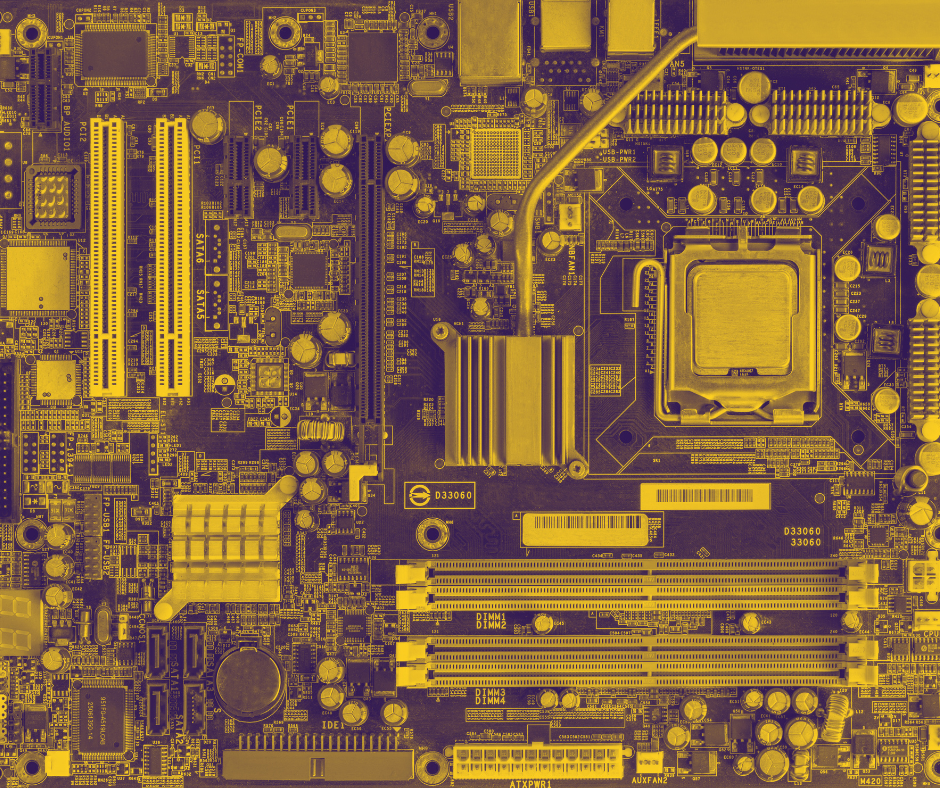
Motherboard: The motherboard is like the central nervous system of your computer. As you can imply by its name, it not only connects but also coordinates all other components, such as the CPU, RAM, storage, and expansion cards. For a music production setup, it’s crucial to choose a motherboard that supports high-speed data transfers and has enough USB ports for audio interfaces and MIDI controllers. Additionally, look for motherboards with specialized audio capacitors and isolated audio circuits, which can provide cleaner and more stable power to the sound components, reducing noise and improving audio clarity—similar to how a well-designed studio wiring layout minimizes signal interference.
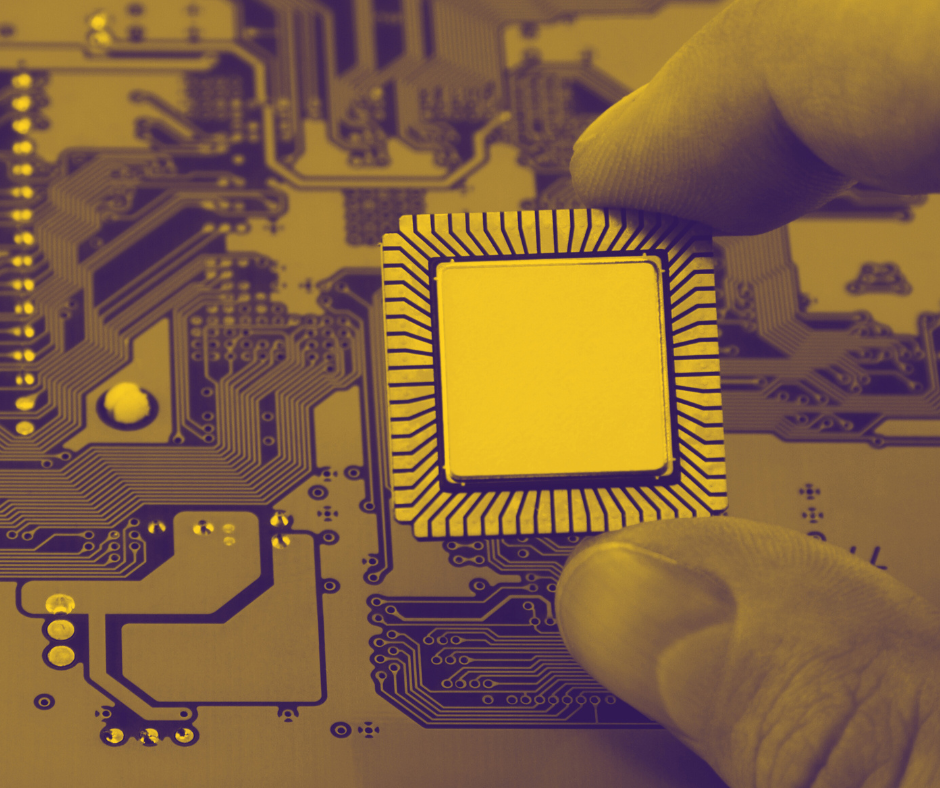
CPU: In the realm of digital audio workstations (DAWs), the CPU acts much like a skilled conductor, overseeing and executing multiple tasks simultaneously. A powerful CPU nowadays, such as the Intel Core i9 or AMD Ryzen 9, can efficiently handle multiple plugins, virtual instruments, and track layers, similar to how a conductor manages different sections of an orchestra to create a harmonious performance. The faster and more capable the CPU, the more complex arrangements and higher track counts can be managed without latency or stuttering, akin to a conductor adeptly handling a large ensemble.
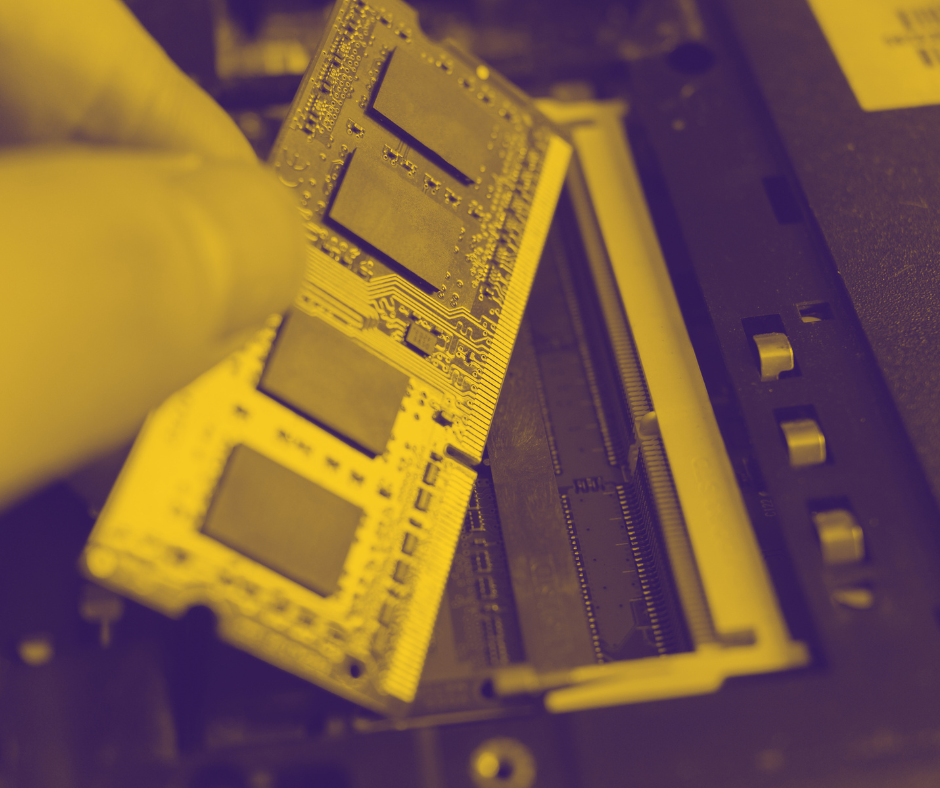
RAM: RAM for music production can be compared to a large and easily accessible tool shelf, where you keep all the tools and materials you need right at hand. The more RAM you have, the more samples, plugins, and tracks you can access quickly. For instance, having 16GB or more RAM is like having a spacious workbench where everything from a synthesizer to a full orchestral sample library is ready to use instantly. This is especially crucial when using large, detailed sample libraries that simulate real instruments, as it ensures smooth playback and real-time processing without needing to reload samples from a slower hard drive.
Storage Devices: Storage devices in a music production computer serve as your long-term archive for all projects and sounds. Solid State Drives (SSDs) are akin to having a fast-access archive where you can quickly retrieve any piece of music or sample, much like pulling a score from a well-organized filing system. The faster your storage, particularly with NVMe SSDs, the quicker your DAW loads these files, akin to an efficient librarian who can swiftly find and deliver any book from a vast library. This speed is vital for maintaining creative flow and minimizing downtime during sessions.
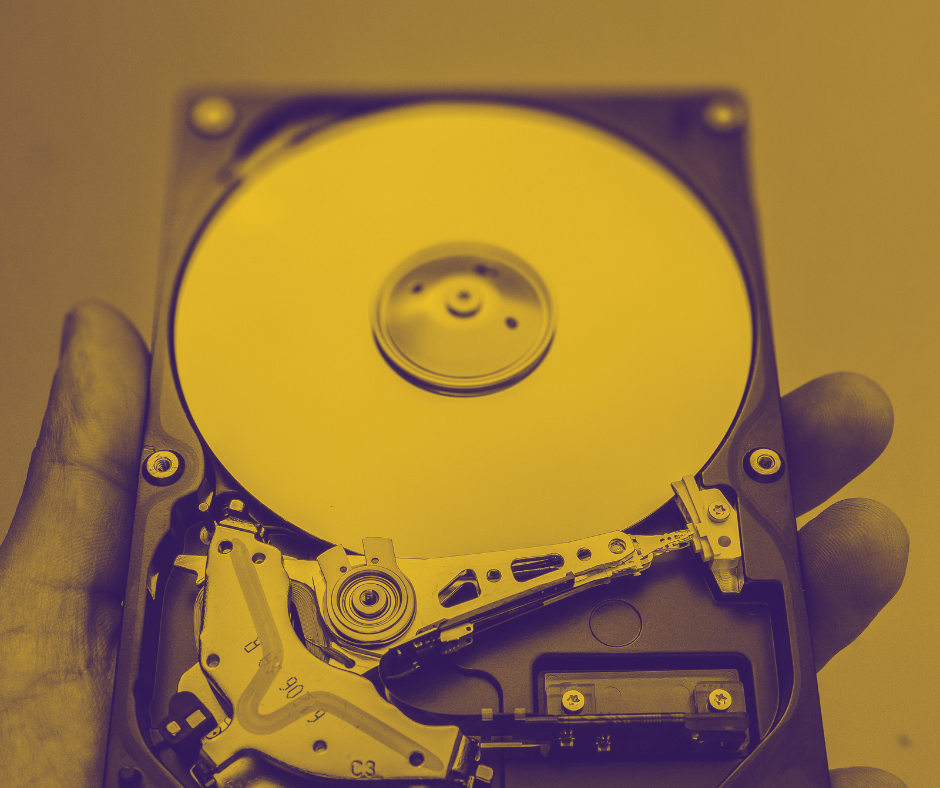
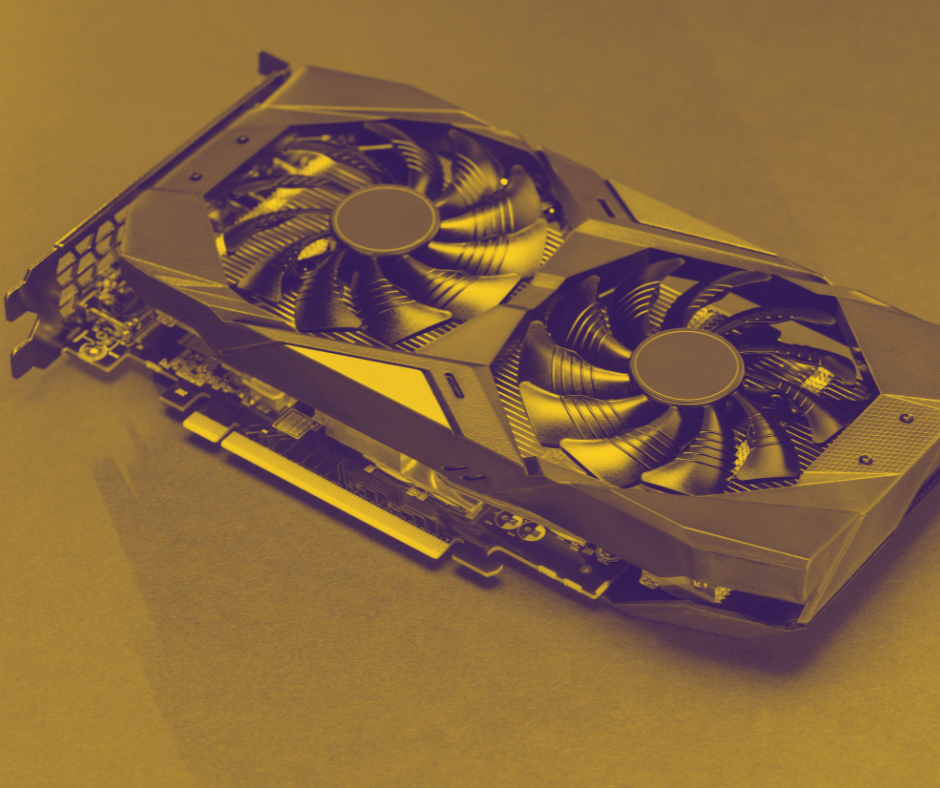
GPU and VGA: While not the star players in audio production, GPUs and VGAs are akin to the lighting technicians in a theater. They ensure that the visual aspects of your music production—such as the DAW interface, plugins, and video content—are rendered smoothly and responsively. This is particularly important in setups where you might be scoring to video or using visually intensive plugins. A more capable GPU, like the NVIDIA RTX series, ensures that even the most graphics-heavy interfaces are displayed crisply, enhancing the overall ease and enjoyment of your production experience.
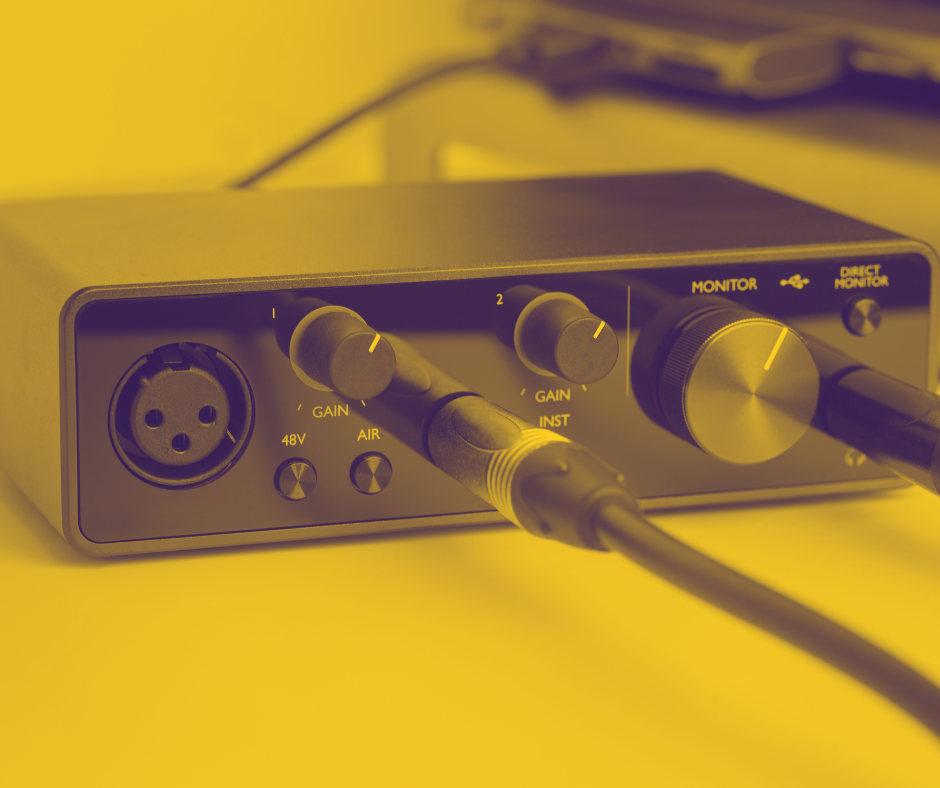
Audio Interface: The audio interface acts as a bridge, translating the analog world of sound into the digital realm and back, akin to how a translator facilitates clear communication between speakers of different languages. This crucial device is typically an external peripheral that connects all microphones, speakers, and headphones to the computer, usually through a USB port. While most motherboards come with a built-in audio interface, its capabilities are basic and not suitable for professional production due to high latency and slower processing times. Brands like Universal Audio or Focusrite offer high-quality interfaces that provide pristine conversion quality, ensuring that every nuance of your recording is captured and reproduced faithfully. This is crucial for professional productions where clarity and detail are paramount, similar to having an expert interpreter who can convey subtle nuances of language. It serves as the point where the audio signal is converted into digital data, allowing it to be processed and manipulated by the computer.
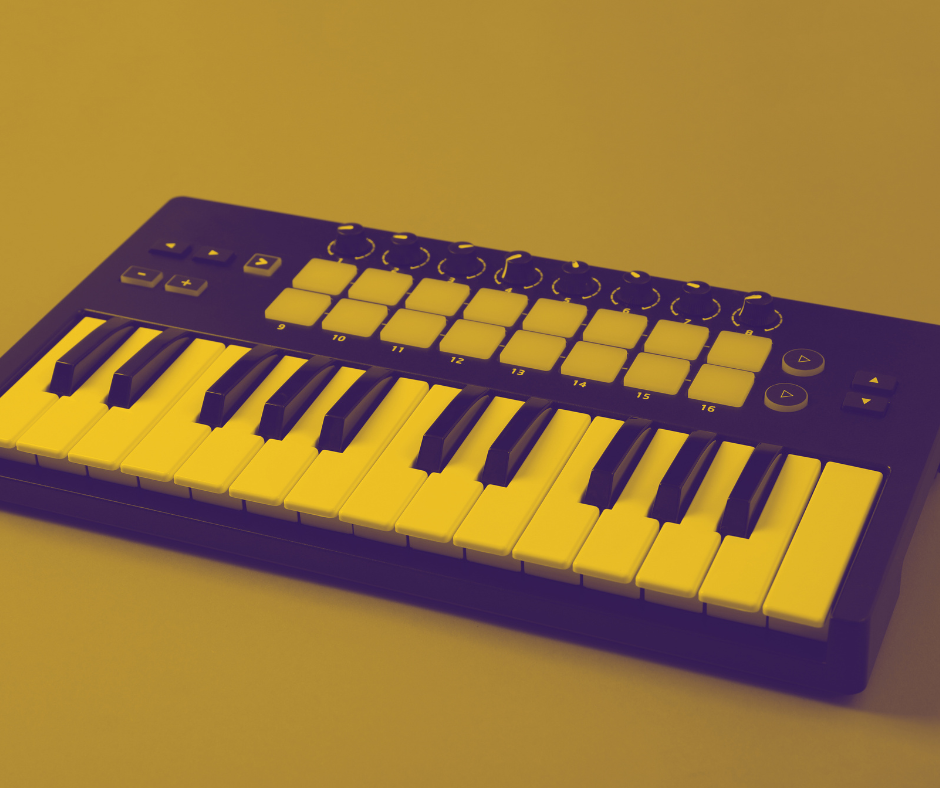
MIDI Ports: MIDI ports function like digital conductors, directing notes and other musical instructions to and from your computer and MIDI-compatible instruments. This allows for precise control over virtual instruments and hardware synthesizers, akin to a puppeteer skillfully manipulating strings to control a puppet’s actions. The accuracy and timing with which MIDI data is handled can make or break the synchronization of digital elements within a piece, emphasizing the importance of reliable MIDI interfaces.
By understanding these components more deeply and selecting them carefully, you can build a computer setup that not only meets your current production needs but also adapts to future advancements in music technology. Each component plays a critical role, ensuring that your studio is capable of producing high-quality music efficiently and effectively.
The Role of Digital Audio Workstations (DAWs)
At the heart of this shift is the Digital Audio Workstation, or DAW. Essentially, a DAW is a type of computer program that turns your computer into a complete music studio. It allows you to do everything you need to make music: recording sounds, cutting them up, moving them around, and mixing different sounds together to create songs.
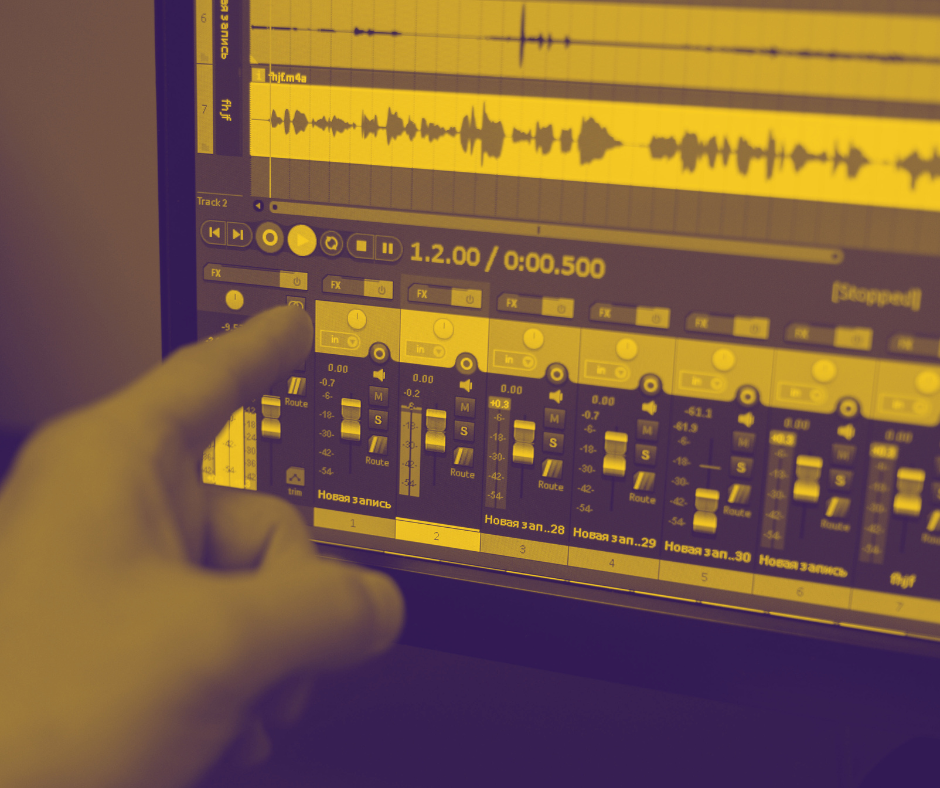
To put it simply, think of a DAW as a multi-track recorder on your computer screen. You can imagine each track as a separate lane on a road, where each lane can hold a different sound, like a guitar in one lane, drums in another, and vocals in another. You can start and stop these sounds, adjust how loud they are, and add effects to them, like making the voice echo or the guitar sound fuzzy. All of this is done with simple clicks and drags, much like how you might create a document or a presentation on a computer, making it an easy and powerful way for anyone to start making music.
With the rise of digital audio workstations (DAWs) like Ableton Live, Pro Tools, and FL Studio, artists gained access to a suite of powerful tools that allow intricate sound manipulation, composition, and mixing within a digital realm. This technological leap has democratized music production, making it accessible to anyone with a computer, thus fostering a surge of creativity among independent artists and those in regions previously constrained by access to traditional recording studios.
Emulating Traditional Studio Equipment
With the advancement of music production software, computers are now exceptionally good at mimicking traditional studio equipment. This means that the various knobs, sliders, and switches you would find on large, physical mixing boards and other studio hardware can now be replicated on a computer screen. If you are familiar with the basic studio equipment from the old era, then you’re perfectly prepared to jump into the digital realm, because many aspects of the digital world are designed to mimic those old-era studio components. By using these software programs, you can access a wide range of high-quality tools and effects without needing physical devices.
For example, consider a piano. Instead of needing a physical piano in your home, which takes up space and can be expensive, you can use a software program on your computer that sounds just like a real piano. You simply press keys on your computer keyboard or click with your mouse, and it sounds as if you are playing an actual piano. Similarly, if you want to add effects like reverb or echo to your music, instead of needing a separate machine or pedal as you might in a traditional studio, you can just select the effect you want from a menu on the computer screen.
This digital setup is not only more compact—fitting all within your computer—but also much more affordable, giving everyone from hobbyists to professional musicians access to a wide array of sounds and tools that were previously out of reach for many. It democratizes music production, making it easier and more accessible for everyone, including seniors who might be working with limited space or budget.
In this book, we have a dedicated chapter that delves deeper into all these concepts, so there’s no need to worry if some of the terms used here are not immediately clear. Later we will provide detailed explanations to help you understand and utilize these digital tools effectively, ensuring that you have a solid grasp of how to make the most out of your music production software, regardless of your starting level of technical knowledge.
Conclusion
As we continue to explore the capabilities of computers in music production, it’s empowering to know that with a bit of knowledge, assembling your own computer is well within reach—it really isn’t rocket science. I vividly remember the first time I put together the hardware components of my own computer system; the process was not only enlightening but also incredibly rewarding. Knowing that I had built the machine that would enable my musical creations gave me a profound sense of accomplishment and pride. As you gain understanding and confidence from this book, I encourage you to take the leap and build your own setup. The satisfaction of creating music on a computer that you’ve assembled yourself is immensely fulfilling and truly enhances the creative experience.
Lesson 3: Introducing the Digital Audio Workstation (DAW)
What is the DAW?
A Digital Audio Workstation (DAW) is essentially the main computer program where all aspects of music production happen. Comparing it to a pilot’s cabin is apt because just like a pilot controls a plane from this central position, musicians and producers control their music from a DAW. Becoming proficient with a DAW empowers you to handle all aspects of music production independently—from programming arrangements, recording, mixing to mastering. This self-sufficiency can significantly cut down on the need for expensive studio time or external producers. It might sound intimidating at first, but if you have even a little experience in the studio from the analogue era, you’ll find many components of the DAW familiar; they are essentially digital versions of the physical tools you already know. The difference is that these tools are now virtual.
The journey of the DAW started with Soundstream in 1977, designed by Thomas G. Stockham Jr., a pioneer often called “The father of digital recording.” Soundstream, despite selling only 18 units initially, was revolutionary, featuring technology like a disk drive, viewable waveforms, and a video display that all predated the CD.
The transition from old-school analog studios with their reels of tape to the sophisticated DAWs of today highlights a massive leap in music production technology. In the past, recording involved physical reels of tape, where each instrument or voice was a separate track on that tape. Editing these tracks required physically cutting and splicing the tape, a cumbersome and irreversible process. Today, DAWs have transformed this process entirely. They bring the entire studio into the digital realm, where instead of physical tape, you use software on your computer. This setup allows you to record and edit different instruments or voices on separate tracks, similar to the old methods, but with far greater control and ease. Editing is as simple as clicking and dragging with your mouse—no scissors needed!
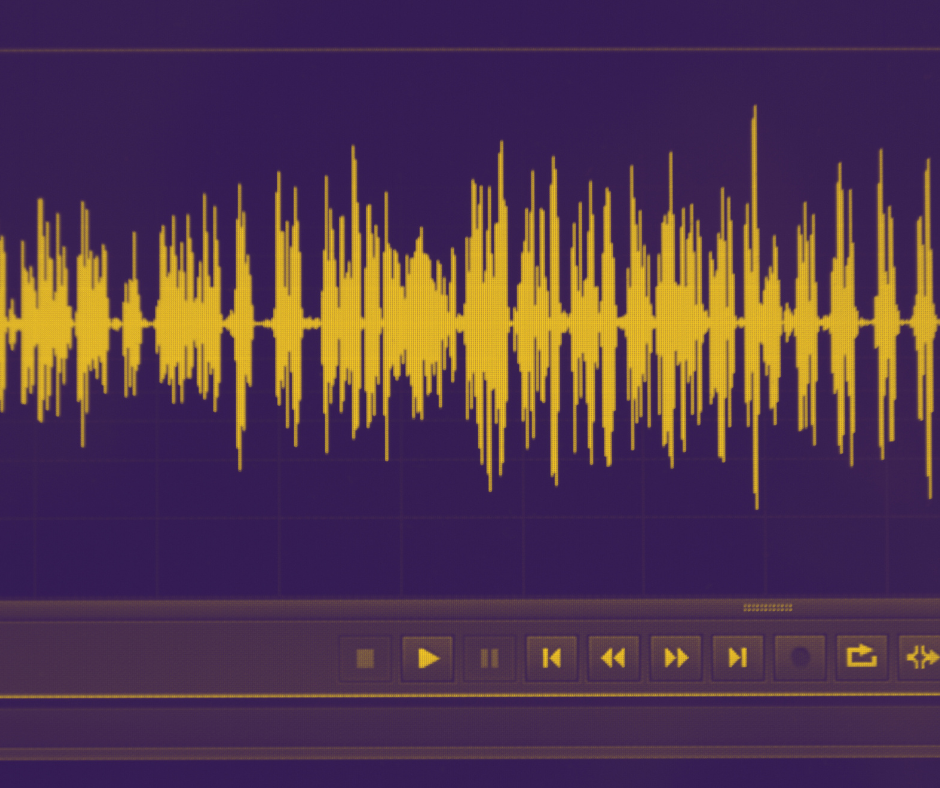
One of the standout features of modern Digital Audio Workstations (DAWs) is their visual interface, which allows producers to see sound waves directly on their computer screens. This capability was unimaginable in traditional analog studios, where sound was recorded on tape and editing required physically cutting and splicing the tape without any visual aid. For example, identifying the exact point for an edit in an analog setup relied solely on listening and often led to less precise cuts, whereas a DAW provides detailed visual feedback, allowing for pinpoint accuracy in editing tasks. This visual component has transformed music editing, making it far more precise and easier to manage than ever before.
Mixing music in a DAW is also done much easier on your computer screen, using software mixing console to adjust volume, balance, and effects for each track. This digital approach simplifies the mixing process significantly compared to the large physical mixing desks of the past.
With a good audio interface device, you can connect live instruments and vocals directly to your DAW. For example, you can plug a microphone or a guitar into the interface and record everything digitally. It’s also possible to record multiple inputs simultaneously, like capturing both a microphone and a direct input from a guitar. DAWs also offer a plethora of built-in effects and tools, allowing you to add reverb, delay, or any number of effects to enhance your recordings.
The advantages of learning to use a DAW are immense. Digital files are easy to save and back up, so you never have to worry about losing your work. Editing is quicker and more precise, and you don’t need to perform a perfect take every time—you can edit different sections together. Moreover, DAWs allow for extensive creative layering and effects, enabling you to produce complex compositions with ease.
Furthermore, DAWs facilitate easy collaboration with other musicians around the world, expanding your creative possibilities and networking opportunities. Now, there is a new generation of cloud-based DAW software platforms that operate directly within an Internet browser, making it incredibly straightforward to collaborate with musicians from different countries and even continents. This technology allows artists to quickly share ideas or work on the same project together in real-time, regardless of geographical barriers, enhancing creative synergy and global musical integration.
Embracing DAWs opens up a world of opportunities for musicians. Whether you are a beginner or a seasoned professional, mastering a DAW provides the tools and flexibility needed to bring your musical visions to life, enhance your creative expression, and collaborate globally.
What are the elements of the DAW?
Every Digital Audio Workstation (DAW), regardless of the brand or specific features, provides a user interface that is fundamentally similar across different platforms. This consistency means that once you learn to navigate one DAW, transitioning to another becomes much simpler. By understanding the basic elements of a DAW, you equip yourself with valuable skills that are applicable no matter which software you choose to use. This knowledge not only enhances your flexibility and adaptability in various production environments but also opens up a myriad of creative possibilities. I encourage you to dive into learning these tools and gaining hands-on experience. This effort will not only demystify digital music production but also significantly broaden your creative potential. Embrace this educational journey—it is a crucial step toward expanding your capabilities and fully leveraging the opportunities digital music production offers. Now, let’s delve into the details:
Transport Bar
The transport bar in any Digital Audio Workstation (DAW) acts much like the control panel found on traditional tape machines, offering essential playback and recording functions that are crucial for navigating through a project. This feature allows you to play, stop, fast forward, rewind, and record, much as you would with a cassette player. It’s indispensable for precisely controlling where you are in the audio timeline, which is essential for detailed editing, mixing, or laying down new tracks.
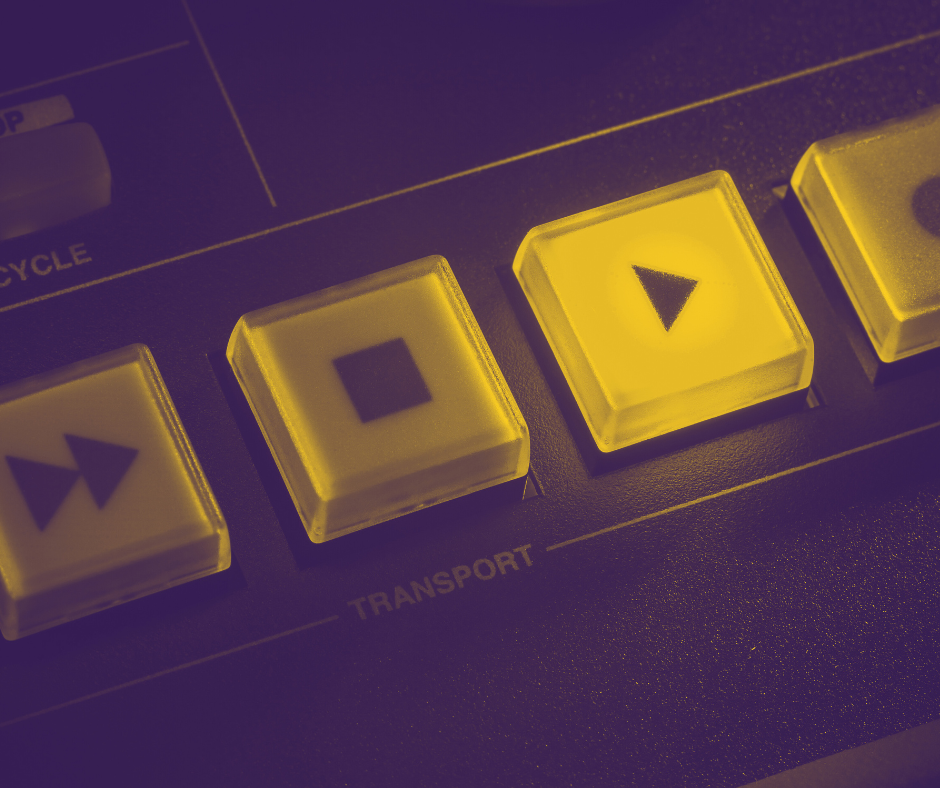
In a DAW like Pro Tools, pressing the spacebar will start or stop the playback, mirroring the straightforward functionality of a play/stop button on older tape machines. The transport bar also includes looping capabilities, allowing you to repeat selected sections of audio to focus intensely on refining or practicing specific parts. This can significantly enhance both the composition and workflow, making it easier to work on complex segments without manually restarting playback.
Further, the transport bar provides quick navigation options such as returning to the start of the track or jumping to the end, which streamline the workflow by making it easy to move around large projects efficiently. For those recording new parts, the record button on the transport bar is fundamental, initiating audio or MIDI recording wherever the cursor is placed within the project.
Additional functionalities that have become standard on modern DAWs’ transport bars include markers for setting specific points to quickly navigate to within your project, a built-in metronome for keeping time during recordings, and sometimes even quick access to automation modes. These modes allow for dynamic changes to track parameters over time, enhancing the expressiveness and precision of the mix. Additionally, transport bars display the timecode, which shows the current playback time and cursor position, counting measures and beats as the computer is running the playback. The transport bar also typically shows the project’s tempo, providing a constant reference for timing adjustments and ensuring that all elements of the track are perfectly aligned.
Overall, the transport bar is a central hub for managing playback, recording, and navigation around a music project within the DAW, offering a blend of traditional tape-recording controls with enhancements that leverage digital technology to facilitate a fluid, efficient production process.
Sequencer
The sequencer in a Digital Audio Workstation (DAW) functions as the creative canvas where music producers arrange audio and MIDI clips along a timeline, orchestrating every aspect of a track’s composition. This tool operates much like a two-dimensional grid, where the horizontal axis represents time and the vertical axis denotes different tracks or layers, such as instruments, voices, and effects.
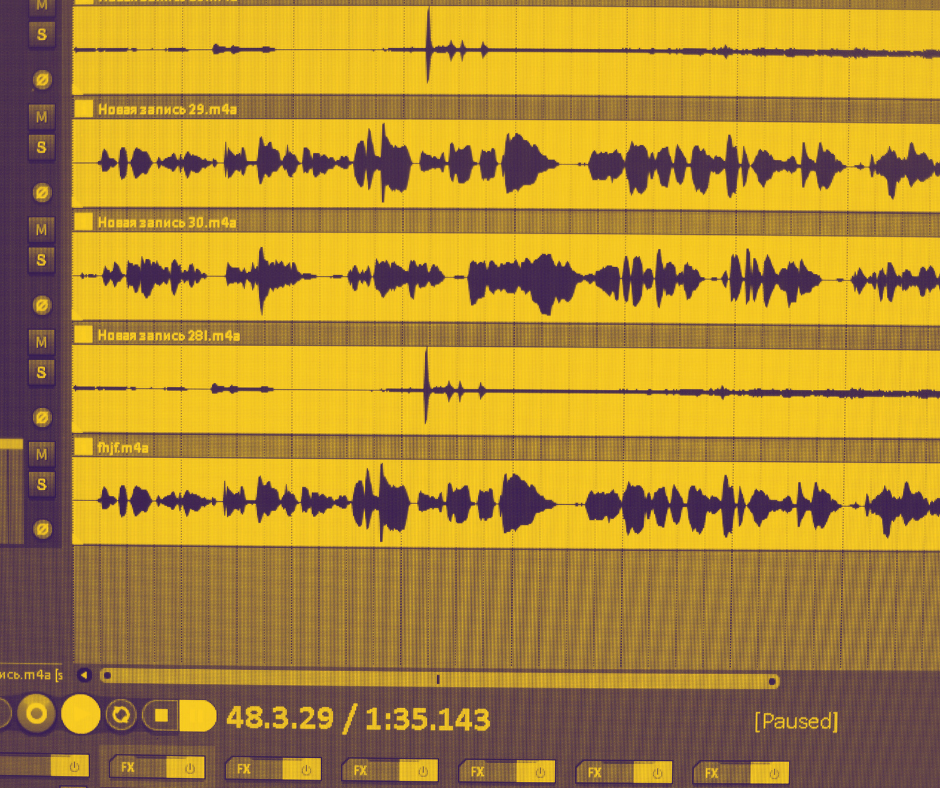
In practical terms, using a sequencer is akin to assembling a musical puzzle. Each piece, whether it be a drum beat, a bass line, or a vocal track, can be placed, adjusted, and rearranged within the grid to shape the overall structure of the song. Producers can manipulate the length and timing of these clips with precision, sliding them along the timeline or stretching them to extend their duration. This allows for an intuitive build-up of the song’s structure, layer by layer, ensuring that each element aligns perfectly with the others in terms of rhythm and harmony.
For example, in FL Studio’s Playlist or Ableton Live’s Session View, you might start by laying down a basic drum pattern. Next, you could add a bass clip, aligning it with the drum to form the backbone of the rhythm section. As the arrangement progresses, you can introduce additional layers like melodies, harmonies, and various sound effects, each assigned to its own track within the sequencer. This vertical organization lets you control the mix by adjusting the volume, pan, and other effects settings for each track independently, enhancing the song’s depth and texture.
Moreover, the sequencer’s grid view makes it visually intuitive to identify how different parts of the composition interact over time. You can see at a glance when certain instruments enter or exit the mix, which is crucial for planning builds, breaks, and transitions within the track. This visual aspect of the sequencer not only aids in composition but also simplifies the editing process, as you can directly manipulate the clips in a graphical way—cutting, copying, pasting, or moving them as needed to refine the song’s arrangement.
Ultimately, the sequencer empowers producers to experiment and iterate on their musical ideas with a level of control and precision that was unimaginable in the analog era. It transforms the DAW into a powerful tool for both the creative and technical aspects of music production, enabling artists to realize their musical visions with clarity and sophistication.
Mixing Console Within The DAW
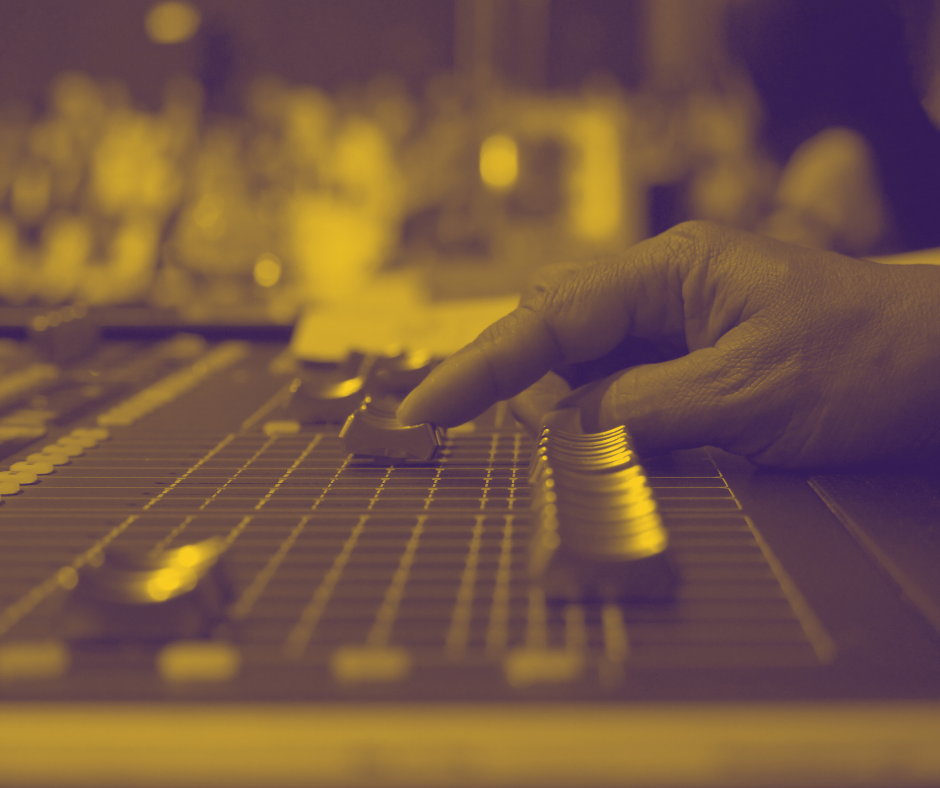
The mixing console within a Digital Audio Workstation (DAW) brings the traditional functionality of a physical mixing board into the digital realm, enhancing it with advanced capabilities that are indispensable in modern music production. Each channel strip in DAWs like Logic Pro X or Ableton Live offers comprehensive controls such as volume, panning, solo/mute, EQ, and effects sends, mirroring the setup of large studio consoles but with the added ability to handle an almost unlimited number of tracks depending on the system’s processing power. Unlike physical mixers that require manual setup and adjustment, digital consoles allow for instant recall of all settings, ensuring that every detail of a mix can be saved and precisely restored, facilitating consistency across multiple sessions. Furthermore, digital mixing consoles integrate powerful automation features, enabling producers to record and automate virtually every parameter—be it the gradual panning of a track across the stereo field or dynamic changes in effect parameters—offering unprecedented precision and creative flexibility. This capacity not only streamlines the technical workflow but also expands creative possibilities, allowing sound engineers and producers to experiment with complex soundscapes and intricate mixes that would be cumbersome, if not impossible, to manage on a traditional mixer.
MIDI & Audio Channels
In a Digital Audio Workstation (DAW), MIDI and audio channels handle fundamentally different types of data, each essential for the music production process but serving distinct roles. MIDI channels manage the transmission of digital control signals that dictate musical instructions to virtual instruments or external MIDI-compatible hardware. These instructions include details such as pitch, velocity, modulation, and other performance characteristics. Essentially, MIDI channels send information about how music should be played, but they don’t carry sound themselves. This allows producers to manipulate the musical elements dynamically and change instruments or effects without altering the underlying performance data.
In contrast, audio channels in a DAW deal directly with sound. They capture and playback actual audio signals as waveforms — whether recorded from live instruments, vocals, or imported samples. Each audio channel holds and processes these sounds, allowing for adjustments with effects like reverb or delay, and mixing levels to blend various sound sources into a cohesive track. Unlike MIDI channels, once audio is recorded to an audio channel, the sound is fixed in form although it can still be edited in terms of dynamics and effects.
This distinction is crucial because MIDI channels provide a versatile and non-destructive way to compose and tweak musical notation and arrangement without committing to the sonic qualities of the final output until later in the production process. MIDI data is incredibly lightweight, which allows for extensive editing, such as transposing notes or changing tempo, without degradation of audio quality. Audio channels, however, offer the tangible, directly audible components of a production, delivering the textured sounds that are heard in the final mix. Together, MIDI and audio channels enable a highly flexible workflow where compositional changes can be made effortlessly, and audio quality is meticulously controlled and refined.
Conclusion
Embracing a Digital Audio Workstation (DAW) equips you with a central command post for all your music production needs. While mastering a DAW might initially appear daunting, the independence it grants in programming, recording, mixing, and mastering is transformative. This proficiency not only saves on costly studio time and external producer fees but also empowers you with complete creative and technical control over your music projects.
Furthermore, the fundamental skills and principles acquired through learning one DAW are transferable across various platforms, from Pro Tools to Logic Pro and Reason. This universality ensures that once you become proficient with one system, transitioning to another feels less like learning from scratch and more like adjusting to subtle differences in workflow and interface. The core functions such as arranging tracks, applying effects, and mixing are consistent across different DAWs, allowing you to adapt quickly and feel at home in any digital production environment.
Ultimately, your DAW is not just software, but an indispensable partner in your music creation process. It opens up a world of possibilities for innovation and expression, democratizing music production and making it accessible to anyone with a computer and a vision for music. As you delve deeper into the capabilities of your DAW, you’ll find that creating professional-quality music is not only possible but also exhilarating, ready to be realized with each project you undertake.
Lesson 4: Building Your Music Production Setup
Creating an effective music production setup at home is a foundational step for any aspiring or established musician. This lesson focuses on the essential components and considerations necessary to build a space that not only fosters creativity but also facilitates professional-quality sound production. Regardless of budget, the market today offers a variety of equipment options that can meet the needs of different types of producers. It’s important to remember that while quality gear can enhance the production process, ultimately, it’s your creative ideas and how you use the tools at your disposal that will define your sound. You don’t need to invest thousands in high-end equipment to achieve professional results; with the right setup tailored to your specific needs and creative processes, you can produce outstanding music even on a modest budget.
Choosing The Right Space & Acoustic Treatment
Selecting the right space for your studio is crucial for achieving optimal sound quality in your recordings. Ideally, you want a room that is quiet, with minimal outside noise interference and favorable natural acoustics. Rooms with excessive echo or deadened acoustics can misrepresent sound, affecting the fidelity of your recordings. Common choices for home studios include spare bedrooms, basements, or any secluded space that can be dedicated to music production.
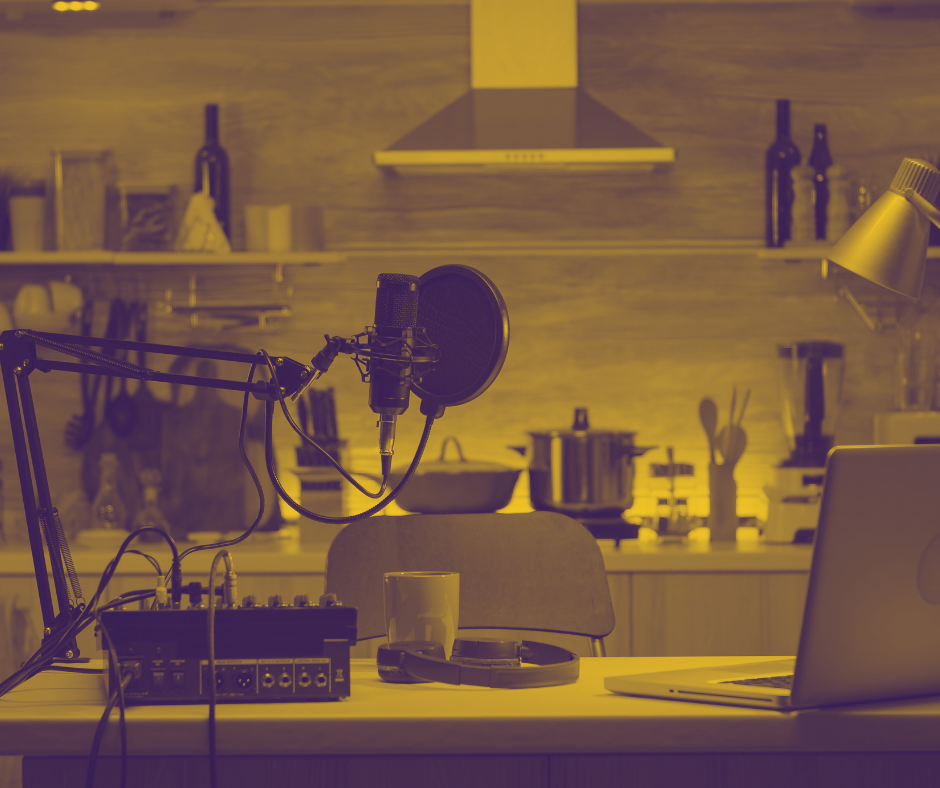
Once you have chosen your room, effective acoustic treatment becomes essential. The goal is to create an environment where what you hear is a true representation of your music, devoid of unwanted reverberations and echoes that can obscure the sound. It is very important to remember when setting up your home studio that choosing the right room is crucial because a poor acoustic environment can significantly hinder your production process. Reverberation, in particular, can slow down your workflow because excessive echo within the room necessitates additional editing to mask these effects in your recordings. More importantly, reverberation can prevent you from accurately hearing the mix and balance of your tracks. The biggest enemy of a good mix is a poor listening environment where true sound reproduction is compromised. Implementing acoustic treatments doesn’t necessarily require a significant investment. Simple and cost-effective solutions like acoustic foam panels, thick floor carpets, bass traps, and diffusers can markedly enhance the sound quality within the room. These materials, when strategically placed around the studio, help absorb and diffuse sound, thereby providing a clearer and more accurate audio image. This setup ensures that your recordings and mixes will translate well to other listening environments, a critical factor in professional music production.
Essential Equipment
At the core of your home production setup is your Digital Audio Workstation (DAW), the software platform where all recording, editing, mixing, and mastering takes place. Choosing a DAW that complements your workflow is crucial, with popular options including Ableton Live, FL Studio, Pro Tools, and Logic Pro. Each offers unique features tailored to different styles of music production.
Equally important is the computer that runs your DAW. It should be powerful enough to handle the DAW and any additional plugins without performance lags. Ensure that the specifications of your computer—such as the processor speed, RAM, and storage—are adequate to support your music production needs.
A high-quality audio interface is crucial for connecting your microphones, instruments, and other audio sources to your computer, converting analog signals into digital data that your DAW can process and vice versa. When selecting an audio interface, look for one with high-quality preamps, low-latency performance, and enough inputs and outputs to accommodate your recording needs. The market is currently oversaturated with different models, offering anywhere from 2 to more than 16 channels. If you plan to record multiple instruments simultaneously using separate microphones, it’s important to consider the number of inputs and outputs before making your choice. Additionally, low latency is critical because it ensures there is no noticeable delay in the signal as it passes through the computer and DAW. Latency refers to the time it takes for audio data to travel from the input device (like a microphone) through the system and back out to an output (like headphones), so lower latency means faster processing and less delay. This delay can be distracting and can disrupt the recording process, making real-time performance and monitoring difficult.
Microphones, pairs of headphones, and monitor speakers are indispensable in capturing and monitoring high-quality audio. The choice of microphone can vary based on what you plan to record. For vocals and acoustic instruments, a large-diaphragm condenser microphone is often preferred for its sensitivity and broad frequency response. Studio monitors are critical for mixing and mastering; unlike standard speakers, they offer a flat frequency response to provide a true representation of your mix, ensuring that your music translates well across various playback systems. Headphones are essential not only for detailed audio editing and private monitoring but also crucial during the recording process. They allow for monitoring of the playback or the instrumental tracks from the DAW without the sound being captured by the recording microphone. Capturing clean recorded sound is essential for a good mix, so it’s important to find headphones that are closed well-enough to prevent sound leakage that could be picked up by the microphone.
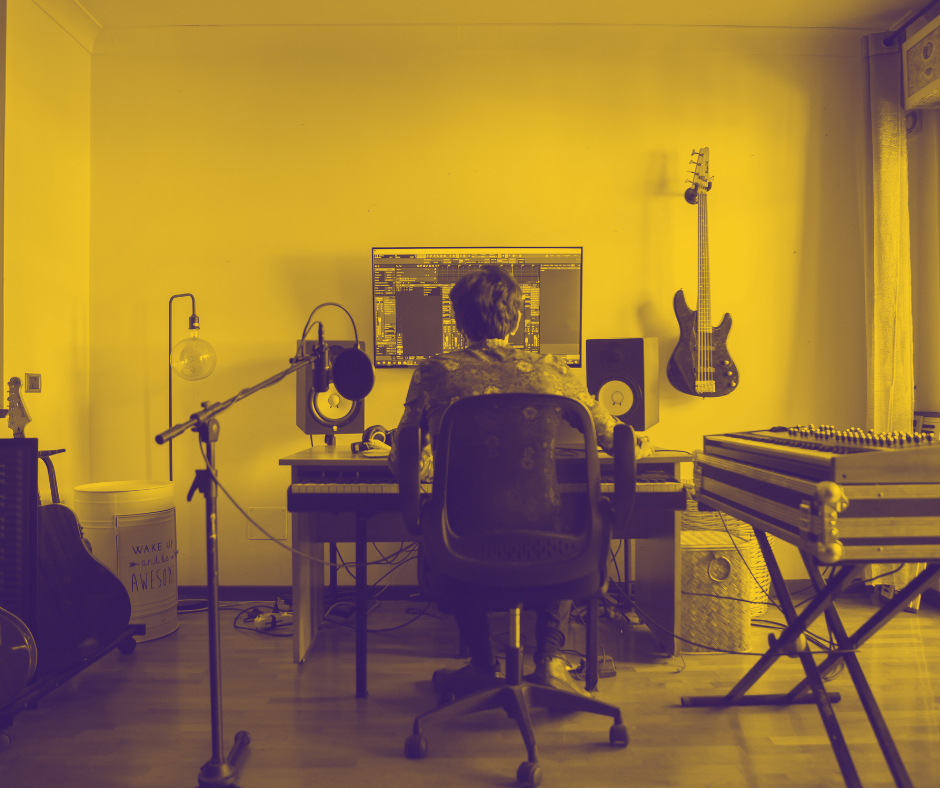
Additionally, a MIDI controller can greatly enhance your production workflow, especially if you frequently use virtual instruments. It doesn’t produce sound on its own but sends MIDI data to your DAW, where it controls virtual instruments and adjusts various parameters. This can be particularly useful for adding expressiveness to your compositions and can streamline operations such as triggering samples and tweaking synthesizer parameters.
Organizing these components effectively within your studio space ensures a streamlined workflow, allowing you to focus more on creativity and less on technical hindrances. This ensemble of equipment—DAW, computer, audio interface, microphones, monitors, and potentially a MIDI controller—forms a comprehensive setup that supports a wide range of music production activities from recording to mixing and mastering, all within the comfort of your own home.
Conclusion
In conclusion, setting up a well-equipped home studio is a pivotal step for any musician or producer aiming to create high-quality music independently. By carefully selecting the right equipment and configuring your space efficiently, you establish a foundation that supports your creative endeavors and enhances your production capabilities. This setup not only allows you to capture and manipulate sound with precision but also empowers you to experiment freely and realize your musical visions without constraints.
As you grow in your craft, the knowledge and experience gained from working within your own space will prove invaluable, fostering not only technical skills but also artistic growth. A well-designed studio not only simplifies the technical aspects of music production but also helps in maintaining a flow of creativity, reducing the friction between your musical ideas and their execution. Remember, the ultimate goal of your home studio is to create an environment that inspires creativity and facilitates the production of music that resonates with listeners, embodying your unique artistic expression. With the right tools and environment, you can explore new creative boundaries and bring your music to life with professionalism and passion.
Lesson 5: Digital Recording Techniques
The journey of recording sound has transformed dramatically from its humble beginnings to the sophisticated digital processes we use today. Initially, sound recording involved capturing audio directly onto physical media like wax cylinders using purely mechanical means. In these early days, performers had to sing or play their instruments into a large acoustic horn, which funneled sound waves to a diaphragm that mechanically etched the audio directly onto the cylinder. This method required performers to be strategically positioned around the horn to balance the sound levels manually, as there was no way to modify the recording after the fact.
From these mechanical roots, recording technology evolved through the magnetic tape era, which introduced the possibility of multitrack recording and rudimentary sound editing capabilities. However, it was the advent of digital recording that revolutionized the field, offering unprecedented control over sound quality and editing precision. Digital recording converts sound into data, allowing for non-destructive editing and manipulation—features that were unimaginable with earlier technologies.
The evolution of recording technology has significantly democratized music production, allowing artists and producers to capture high-quality audio from the comfort of their homes. This lesson explores practical techniques for setting up an effective home recording environment, focusing on optimizing room acoustics, using appropriate gear, and mastering editing skills to enhance vocal and instrumental tracks.
Understanding Digital Audio
In digital recording, sound is captured using microphones and then converted into a digital format by an analog-to-digital converter (ADC). This digital data is then processed and stored within a computer system. Key concepts such as sampling rate and bit depth are critical here; they determine the fidelity and dynamic range of the recording. A higher sampling rate captures more slices of the sound per second, enhancing the detail and accuracy of the sound, while a greater bit depth increases the dynamic range, allowing for a richer audio experience with more subtle variations in loudness.
Recording Tips
When recording at home, it’s crucial to find a space with minimal reverberation to ensure clarity and prevent sound reflections that can muddy your recordings. Using items such as rugs, curtains, and bookshelves filled with books can help absorb excess sound, though they are not a replacement for professional acoustic treatment. Additionally, employing a microphone pop filter is essential when recording vocals. Pop filters help to smooth out plosives—sounds that produce a burst of air, such as ‘p’ and ‘b’ sounds—that can cause spikes in your audio levels, potentially distorting the clarity of your recordings.

After recording, the next step is to edit and compile the best parts of your takes, a process known as ‘comping’. This involves selecting the best segments from multiple recordings and seamlessly piecing them together to form a coherent and optimal final track. For vocal tracks, this might mean choosing the best-rendered phrases or even specific words from different takes and combining them to enhance the emotional impact and clarity of the performance. The flexibility of recording at home allows for extensive experimentation with multiple takes. This is invaluable for capturing the best possible performance. You can spend hours recording your voice or instruments, trying different tones and styles without the pressure of limited studio time. From my own experience, I have discovered that this relaxed environment can lead to more authentic and refined performances.
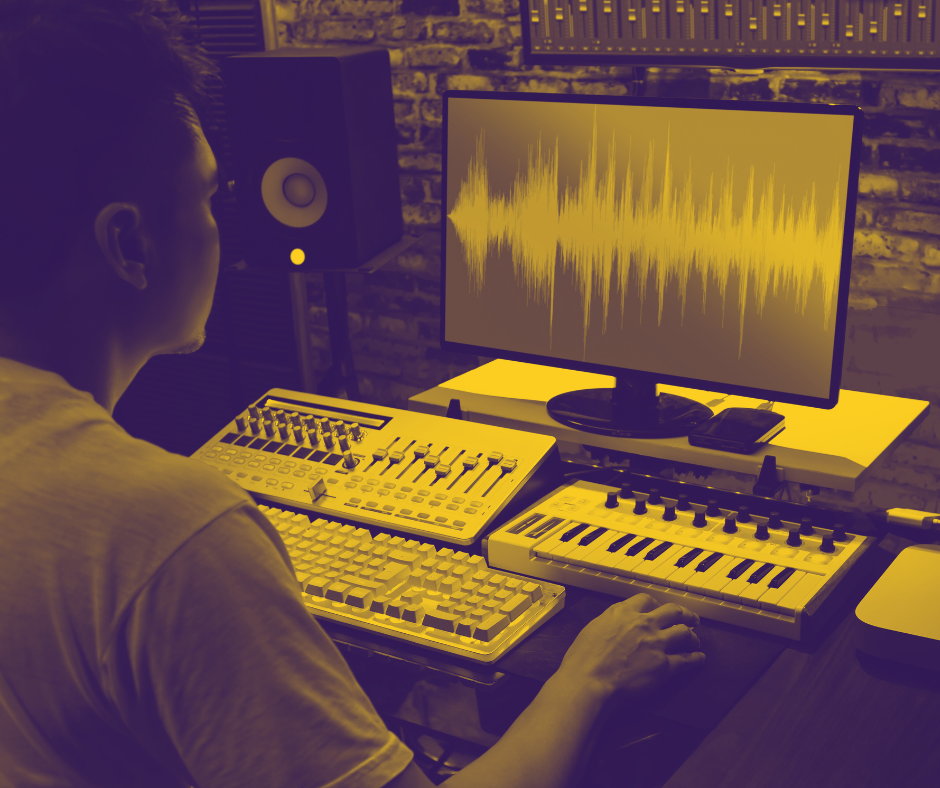
Learning to proficiently use your Digital Audio Workstation (DAW) for these editing tasks is crucial. Knowing how to cut, move, and merge tracks enables you to manipulate recordings to correct minor performance mistakes or to enhance the overall sound. Editing is not just about correcting errors; it’s also a creative tool that can be used to experiment with structure, timing, and layering to craft a unique artistic expression.
Crafting Your Own Workflow
Recording at home provides not only cost savings but also creative autonomy. By becoming adept at the technical aspects of recording and editing, you can take complete creative control of your music production process. This independence accelerates your ability to implement changes, make artistic choices, and produce music that truly represents your vision.
Moreover, the skills acquired through home recording go beyond just saving on studio fees. They empower you as a musician, enhancing your ability to communicate your artistic ideas and collaborate more effectively with others, including mixing and mastering engineers. By understanding the full scope of what’s possible in the recording process, you can better articulate your needs and expectations, leading to more satisfying final products.
In essence, mastering digital recording techniques at home is not just about producing music; it’s about expanding your creative horizons and gaining the confidence to explore and express your musical ideas without constraints.
Conclusion
In conclusion, mastering digital recording techniques at home not only enhances your creative autonomy but also significantly elevates the quality of your music. By understanding and applying effective recording and editing strategies, you can achieve studio-quality sound from the comfort of your own space. This empowerment allows you to experiment freely, take full control of your musical projects, and refine your sound to professional standards. The skills gained through diligent practice of these techniques not only make you self-sufficient but also deepen your understanding of the music production process, paving the way for more informed collaborations and more precise communication with other professionals. Whether you’re laying down initial tracks or finalizing a mix, the ability to proficiently navigate your recording environment and tools ensures that your artistic vision is realized with clarity and impact.
Lesson 6: Fundamentals of Mixing and Mastering
Mixing and mastering are critical stages in music production that transcend mere arrangement and composition. While music programming focuses on constructing instrumental arrangements using MIDI and virtual instruments, mixing and mastering delve into the intricate balance and refinement of these elements to ensure the final product is not only listenable but also professionally polished.
Mixing is the process of adjusting individual tracks to achieve a harmonious blend of all elements in a song. This includes balancing levels, panning sounds across the stereo field, applying effects like reverb and compression, and sculpting the frequency content with equalization. The goal of mixing is to create a cohesive sound where no single instrument overwhelms others, and each is clearly audible, contributing to the overall sonic narrative.
Mastering is the final stage of production before a track is released. It enhances the overall sound, ensuring coherence and consistency across all playback systems. Mastering involves fine-tuning the track’s dynamics, polishing the frequency balance, and enhancing the loudness to competitive levels in the industry. It also includes the sequencing and spacing of tracks across an album to ensure a smooth flow from start to finish.
Effective mixing and mastering are essential, as without them, even the most brilliantly composed pieces could fail to engage listeners. However, this lesson book will not delve deeply into these topics, as each deserves its own detailed discussion and there are myriad technicalities involved that cannot be covered comprehensively in a single chapter. For those looking to achieve professional-grade mixing and mastering, it is often advisable to enlist the services of experienced sound engineers. These professionals specialize in fine-tuning your music to industry standards, significantly speeding up the production process and ensuring your work sounds its best across various listening platforms. Knowing these stages and understanding when and how to engage with sound engineering services are crucial parts of your overall production process.
The Art of Mixing
Mixing is an essential stage in music production, deftly combining the art of balance with the science of sound. It involves the sophisticated manipulation of multiple sound sources within a musical arrangement to achieve a harmonious and impactful auditory experience. This process requires not only an artistic ear for detail and aesthetics but also a solid understanding of acoustics and the mathematical aspects of sound.
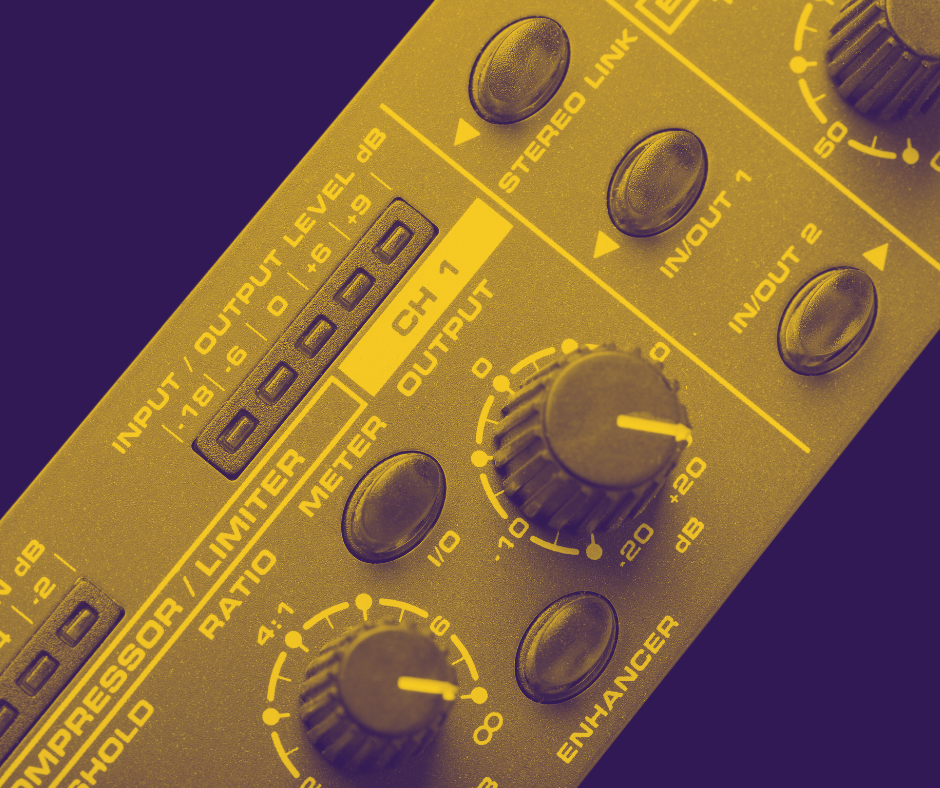
In mixing, sound is treated in multiple dimensions: volume (loudness), panning (placement within the left-right stereo field), depth (created through reverb, delay, and amplitude adjustments), and frequency (modulated with equalizers). Each dimension is carefully considered to ensure that each instrument and voice fits seamlessly into the overall mix without overshadowing others.
The science behind mixing delves into how sound waves interact within a space and with each other. Acoustics plays a crucial role, as it influences how sound is perceived in different environments. This knowledge allows mixing engineers to make informed decisions about shaping the sound in a mix, such as adjusting frequencies to enhance clarity or reduce muddiness. Mathematics also plays a key role, particularly in timing and rhythm adjustments, phase alignment, and dynamic range compression. Precise calculations are necessary for setting delay times, compressor thresholds, and understanding harmonic relationships, which are all critical for achieving a well-balanced mix.
Despite the technicalities involved, the art of mixing comes to the forefront when blending these elements to support the emotional and aesthetic intent of the music. Mix engineers must have a keen ear for detail, an understanding of musical styles, and the creativity to experiment with sound in ways that enhance the listener’s experience. This involves making subjective decisions based on both intuition and experience to determine the right balance, depth, and space in the mix.
Mixing engineers utilize a variety of tools to sculpt and balance the sound. Equalizers adjust the balance of frequencies, ensuring each instrument sits well in the mix without competition. Compressors control the dynamic range of a sound, maintaining consistent volume levels and adding punch or softness as needed. Reverb and delay add spatial effects, placing sounds within a virtual space to give the mix depth and dimension. Automation allows for dynamic changes to the parameters of effects, volume, panning, and other settings throughout the track, enhancing the musical impact.
Ultimately, mixing is a craft that blends technical skills with creative intuition, transforming a multi-track recording into a cohesive, engaging, and polished final product that resonates with listeners. Through the artful application of science, technology, and creativity, mix engineers play a pivotal role in shaping how we experience music, making mixing both a discipline and an art form in its own right. However, having some knowledge about mixing will significantly improve the quality of your digital recordings before they reach the engineer. It’s beneficial to finalize the mix and the balance of your tracks as much as possible, ensuring that your engineer has a clear understanding of the sound you’re aiming for, allowing them to focus on enhancing rather than redefining your initial vision.
A Magic Called Mastering
Mastering is the final step in the music production process, often regarded as a form of audio alchemy that transforms a good mix into a professional-sounding final product. My first experience working with a professional mastering engineer was nothing short of revelatory. I had the privilege of working with a Grammy-winning mastering engineer known for his exceptional skills. When he sent back my track, the clarity and loudness he had imparted to my mix were astounding. It felt as though mastering didn’t just polish my music but elevated its entire presence, making every detail clearer and every sound more impactful.
Mastering originated as a technical necessity in the era of vinyl recording. Its primary purpose was to prepare a mix for the physical limitations and demands of vinyl production. A crucial aspect was to ensure that the grooves on the vinyl did not cause the needle to skip, which could happen if the dynamics and frequency were not properly adjusted. This required a delicate balance of sound levels and equalization to maintain both the artistic integrity of the music and the physical functionality of the vinyl medium.
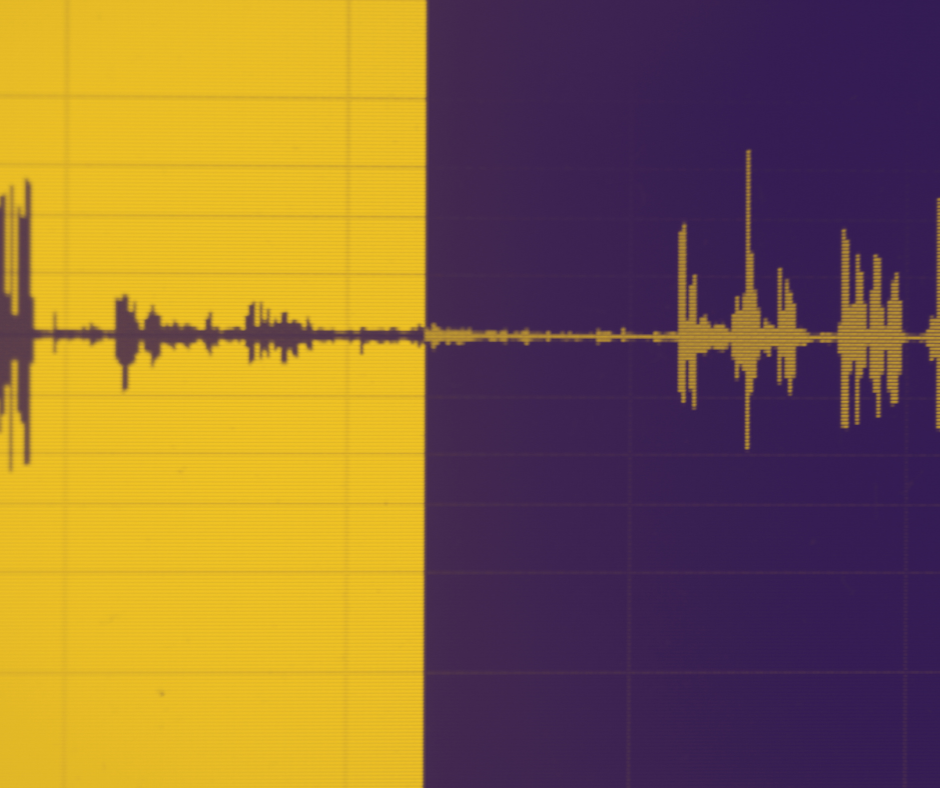
In the digital era, the function of mastering has evolved while remaining a critical stage in music production. Today, mastering is about enhancing and unifying the sound of a record, ensuring consistency across all tracks. This is particularly important for albums produced in different studios with varying acoustics and equipment, or those involving multiple producers. Mastering serves to unify these disparate elements, ensuring the album sounds cohesive when played from start to finish. This involves adjusting levels, fine-tuning frequencies, and applying subtle enhancements to bring out the best in each track.
Mastering is typically performed in a specialized studio, distinct from where the music was mixed. This separation is beneficial as it introduces a fresh acoustic environment and a new set of ears, which can help identify and resolve any mix inaccuracies that might not have been apparent in the original mixing environment. However, mastering is not a fix for fundamental mix flaws; it cannot rectify serious errors that should have been addressed during mixing. Therefore, a well-balanced and carefully mixed track is essential before it moves to the mastering phase.
For personal projects, I rely heavily on skilled engineers for mastering. While I am capable of handling basic mastering tasks, the results from a professional mastering engineer always impress me. The transformation of my mixes into loud, clear, and radio-ready tracks never ceases to amaze me. This reliance on professional mastering services underscores the specialized nature of this stage, requiring not just technical skills but also a refined ear tailored towards finalizing music to industry standards.
In summary, mastering is both a science and an art—a crucial step that ensures a track is not only ready for public consumption but also stands up to professional scrutiny. It polishes and enhances the final product, ensuring that all elements of the album blend seamlessly while maintaining the highest audio quality. This stage of production, deeply rooted in both its historical origins and its modern applications, is indispensable for anyone looking to make a significant impact with their music.
Conclusion
Mixing and mastering are indispensable pillars in the music production process, each serving a critical role in transforming raw recordings into polished, professional-sounding tracks. These stages are not merely technical necessities but are deeply artistic processes that enhance and refine the auditory experience of music.
Mixing, the art of balance and integration, ensures that each element within a track is harmoniously blended. This stage involves meticulous adjustments to levels, panning, EQ, and dynamics to create a cohesive sound where every instrument and vocal line complements the others. It’s about sculpting the audio landscape of a track to ensure clarity and impact, preparing it for the final touches of mastering.
Mastering, on the other hand, is the final polish that prepares a track for public release. It enhances the overall sound, ensures consistency across various playback systems, and unifies multiple tracks within an album. A mastering engineer applies their expertise to fine-tune the details, adjusting the track’s loudness, ensuring clarity, and maintaining the dynamic range, which brings out the best in the music.
The transition from mixing to mastering is crucial. While mixing focuses on the details within each track, mastering takes a broader view, aiming to ensure that those tracks work together as a whole. This stage is not about fixing issues but about enhancing and highlighting what’s already there. It’s about making good mixes sound great and ensuring that the album feels unified and complete.
For artists and producers who prefer to focus primarily on the creative aspects of music production, delegating the technical tasks of mixing and mastering to experienced professionals can be a wise decision. However, having a foundational knowledge of these processes is incredibly beneficial. Understanding the basics of mixing and mastering not only enhances your ability to communicate effectively with engineers but also ensures that the ideas you bring to them are well-defined and achievable. The better the quality of the mix you pass on to a mastering engineer, the better the final product will be. Therefore, developing at least basic skills in mixing and mastering is crucial. While the learning curve may be steep, with persistent practice, experimentation, and learning, you can adapt and even excel in these technical yet creative domains.
In summary, mixing and mastering are the final, critical steps in music production that ensure your music not only sounds good on any system but also resonates with emotional power and professional quality. By investing time and resources into these stages, and potentially collaborating with skilled professionals, artists ensure that their music stands out in a crowded industry, providing listeners with the best possible auditory experience.
Lesson 7: Utilizing The Power of Virtual Instruments and Effects
In the realm of digital music production, the ability to use virtual instruments and effects significantly broadens the scope of what’s possible within a Digital Audio Workstation (DAW). These plugins function as enhancements to your DAW, adding layers of functionality and creativity. Most DAWs come equipped with basic effects and instruments, but if you’re looking to delve into more specific features, there are countless third-party plugins available—both free and paid—that can enrich your DAW experience. This compatibility across different platforms is a standard feature, fostering uniformity and interoperability among music production software. It allows for the seamless integration of new tools and sounds, expanding your creative potential without boundaries.
This lesson explores the integration and application of these powerful tools, focusing on popular formats like VST (Virtual Studio Technology) on Windows and Audio Units (AU) on macOS. These formats are the conduits through which virtual instruments and effects plugins operate, allowing them to seamlessly integrate into various DAW environments and expand the producer’s sonic palette. As we mentioned, there are many plugins available, catering to every possible sound and effect one could imagine, and what you choose to use depends largely on your budget and creative objectives. Importantly, many VST and AU plugins are available for free, eliminating the need for significant initial investment. Equipped with a capable computer, a preferred DAW, and a selection of VST or AU plugins, you are well-prepared to begin your production journey, exploring the depths of your creativity in a highly flexible and cost-effective manner. This accessibility opens up the world of music production to a wider audience, allowing both novices and professionals to experiment with and realize their musical ideas in increasingly innovative ways.
Understanding Virtual Instruments, Effects, and Plugin Formats
Virtual instruments and effects are essential tools in digital music production, enabling musicians and producers to access a wide array of sounds and processing capabilities without the need for physical hardware. These software-based tools mimic the functionality and sound of traditional instruments and audio effects, ranging from realistic pianos and orchestral instruments to synthesized sounds and complex audio processors. By using these virtual tools, producers can add depth, texture, and variety to their music, all from within their Digital Audio Workstation (DAW).
VST stands for Virtual Studio Technology, a standard developed by Steinberg. It is a widely supported plugin format, making it highly versatile and popular among music production software. It allows the integration of thousands of instruments and effects, provided by various third-party developers, into almost any DAW. On the other hand, Audio Units (AU) are specific to macOS and offer deep integration with that operating system, providing efficient performance and stability, particularly in DAWs like Logic Pro and GarageBand. Many of these plugins are available in both VST and AU formats, ensuring compatibility across both Windows and Apple computers.
These formats act as frameworks within which virtual instruments and effects operate, ensuring smooth functionality and compatibility across different software platforms. When loaded into a DAW, these plugins can be manipulated through MIDI data or applied directly to audio tracks. For example, a virtual synthesizer can be played using a MIDI keyboard to control its sounds dynamically, or a reverb effect can be applied to a vocal track to enhance its spatial qualities. This setup not only saves space and cost compared to traditional hardware but also offers greater flexibility and precision in sound design and audio processing.
Utilizing Virtual Instruments & Virtual Effects
These software-based tools expertly mimic the functionality and sounds of traditional instruments and audio effects. This range includes everything from realistic pianos and full orchestral arrangements to synthesized sounds and intricate audio processors. By leveraging these virtual tools, producers can infuse depth, texture, and diversity into their compositions, all within the confines of their Digital Audio Workstation (DAW).
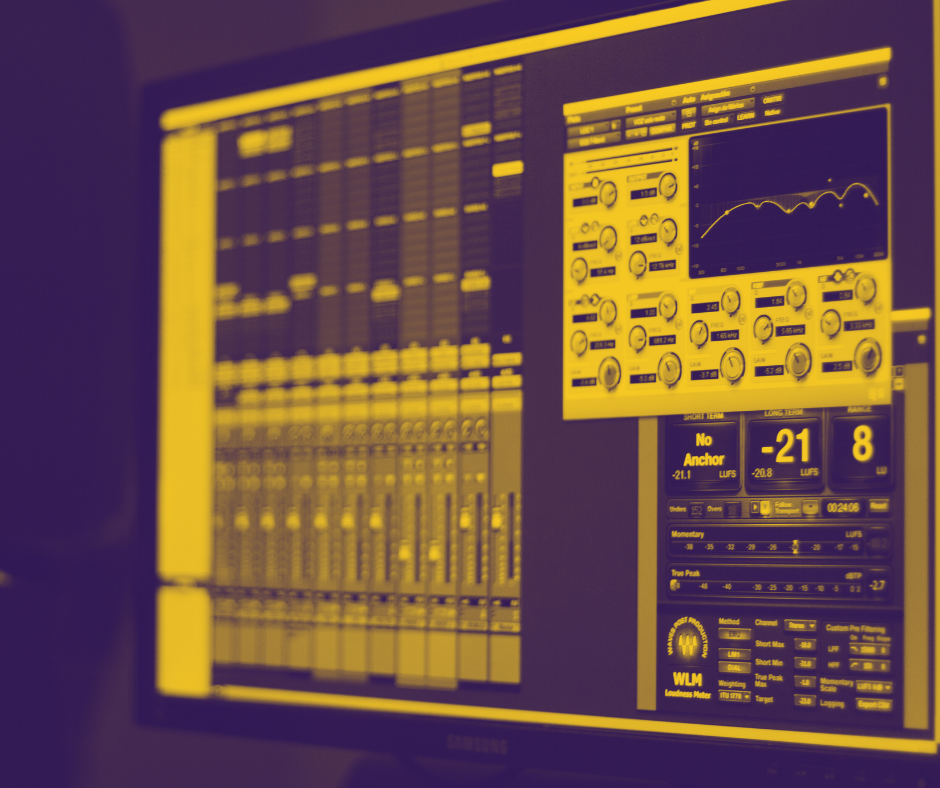
The primary formats for virtual instruments and effects are Virtual Studio Technology (VST) and Audio Units (AU). Developed by Steinberg, VST is a widely embraced plugin format accessible on both Windows and macOS, renowned for its versatility and popularity across a myriad of music production software. It facilitates the integration of thousands of instruments and effects from various third-party developers into nearly any DAW. Conversely, Audio Units (AU) cater specifically to macOS, providing deep integration with the operating system for optimized performance and stability, especially within DAWs such as Logic Pro and GarageBand.
These formats serve as foundational frameworks that ensure the seamless operation and compatibility of virtual instruments and effects across different software platforms. When integrated into a DAW, these plugins can be controlled via MIDI data or applied directly to audio tracks. For instance, a virtual synthesizer can be played using a MIDI keyboard to dynamically control its sounds, or a reverb effect might be applied to a vocal track to amplify its spatial qualities. This approach not only conserves space and reduces costs compared to traditional hardware setups but also enhances flexibility and precision in sound design and audio processing.
Utilizing VST and AU plugins, producers are afforded an expansive sonic palette and a plethora of creative opportunities that were traditionally only accessible to those with extensive hardware setups. This democratization of music production enables anyone from bedroom producers to professional studios to craft complex, high-quality music using just a computer and appropriate software.
Conclusion
Virtual instruments and effects are indispensable tools in the digital music production process, offering a breadth of creative possibilities that were unimaginable in the era of analog-only studios. By mastering the use of VST (Virtual Studio Technology) and AU (Audio Units) plugins within a Digital Audio Workstation (DAW), producers can explore new sonic territories, achieve professional sound quality, and realize their musical visions with precision and flexibility.
In conclusion, VST and AU plugins act as third-party extensions to your DAW, significantly enhancing its capabilities. Experimenting with these plugins is a crucial part of discovering the tools that best fit your creative style and workflow. It took me time to trial hundreds of plugins, but through this process, I’ve identified a core set that I’ve relied on for decades. Familiarity with your chosen VST and AU library allows you to efficiently and effectively bring your musical ideas to life. Once you get to know the specific characteristics and strengths of your plugins, you can harness their full potential to craft your sound with ease and confidence.
Lesson 8: Advancing Your Skills: Tips and Techniques for Sophisticated Productions
Advancing your skills in music production involves more than just learning the basic tools and workflows. It requires a deeper understanding of advanced techniques and the ability to apply these methods creatively to your projects. This lesson delves into several key areas that can significantly enhance the sophistication and quality of your music productions. For seasoned musicians who might be skeptical of the digital revolution in music, embracing these new tools can seem daunting. However, this book aims to motivate and reassure you that lifelong learning is not only beneficial but essential in the evolving landscape of music production.
Digital technology, far from being a barrier, is a powerful ally that can greatly enhance productivity and creative expression. It opens up a world of possibilities that were previously unimaginable, allowing for more intricate compositions, higher quality recordings, and more efficient workflows. By stepping into the digital domain, you gain access to a plethora of tools that can transform how you create music, providing you with the ability to refine your sound and achieve professional results. Whether you’re looking to expand your sonic palette, streamline your production process, or simply explore new creative avenues, the digital tools and techniques discussed in this book can significantly elevate your musical projects. Embracing these advancements can rejuvenate your approach to music production, making it an exciting and rewarding endeavor that continues to grow with you.
Advanced Programming Techniques and DAW Knowledge
Mastering advanced programming techniques and deepening your understanding of Digital Audio Workstations (DAWs) is crucial for modern music production. While a solid grasp of music theory and composition is essential, effectively utilizing a DAW can transform these concepts into polished, professional productions through the sophisticated tools the software offers.
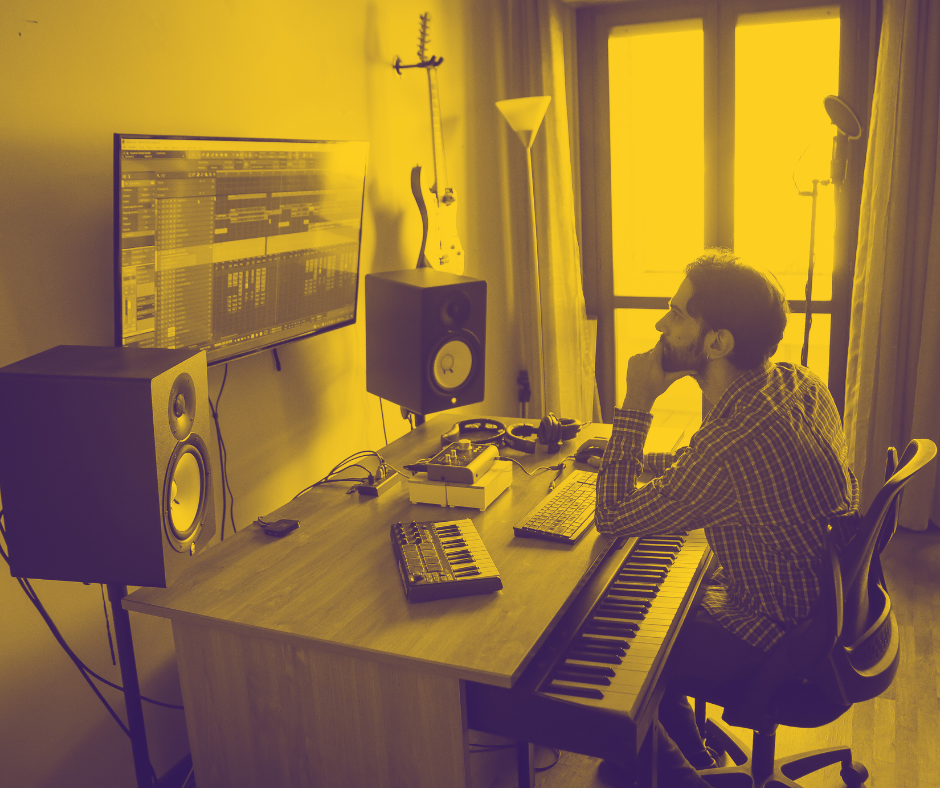
A DAW isn’t just a recording tool; it’s a comprehensive platform for music creation. For senior musicians, this means an opportunity to seamlessly integrate traditional skills with cutting-edge digital capabilities. Key features of DAWs like automation, complex arrangement tools, sample manipulation, virtual instruments, and sophisticated mixing and mastering utilities can elevate the quality of your productions and streamline your workflow.
Automation and Control within a DAW provides a dynamic layer to your music, allowing you to animate parameters such as volume, panning, effects, and more. This can breathe life into your productions, ensuring that each element evolves naturally with the progression of the track.
Complex Arrangement Tools offered by DAWs enable intricate compositions that are easy to manage and modify. These tools allow for precise structuring and timing of music sections, which is invaluable for developing sophisticated musical narratives that engage listeners from start to finish.
Sample Manipulation is another significant advantage of using a DAW. Modern DAWs offer extensive capabilities to edit and transform samples, allowing you to create unique sounds or perfectly integrate various elements into your mix. Whether it’s changing the pitch, time-stretching, or slicing samples, these features are essential for customizing your audio precisely.
Synthesis and Virtual Instruments expand your sonic palette by providing access to a range of sounds and textures that can be adjusted and customized to suit your musical vision. Exploring these tools within your DAW not only enhances your creative expression but also allows for innovation in sound production, enabling you to create distinctive and compelling music.
Mixing and Mastering Tools integrated into DAWs are transformative, allowing you to polish your tracks to commercial standards without ever leaving the software environment. Utilizing built-in EQs, compressors, and spatial effects can make your music sound clear, balanced, and professional on any playback system.
Lastly, the Integration with External Hardware enhances the tactile elements of music production, making the digital environment more intuitive. Whether it’s through MIDI controllers or external synthesizers, being proficient in configuring your DAW to work seamlessly with these tools can significantly enhance your creative workflow.
By embracing these DAW capabilities, senior musicians can not only adapt to the demands of modern music production but also lead the way in creativity and innovation. This deep engagement with digital tools will empower you to produce music that resonates deeply with your audience, ensuring your compositions are not just heard, but truly felt. This journey into the world of DAWs opens up new possibilities for artistic expression and connectivity, paving the way for a fulfilling and impactful continuation of your musical career.
Deep Dive Into Mixing Techiques
I know you might be a bit reluctant to delve into technicalities, but acquiring a solid understanding of mixing techniques is crucial. Nowadays, the lines between a well-arranged piece and a well-mixed one are increasingly blurred, making it essential to master both to ensure your music resonates with its listeners.
Mixing is truly an art form that marries technical skill with creative intuition. Advanced mixing techniques require a thorough understanding of how sound frequencies interact, how to sculpt dynamics, and how spatial effects like reverb and delay can add depth to your mix. Learning to effectively use equalization is crucial—not only to prevent frequency clashes but also to enhance the clarity and presence of each element in your track. Similarly, applying compression goes beyond merely controlling dynamics; it’s about adding character and vibe to your music, making each part stand out yet blend harmoniously with the whole.
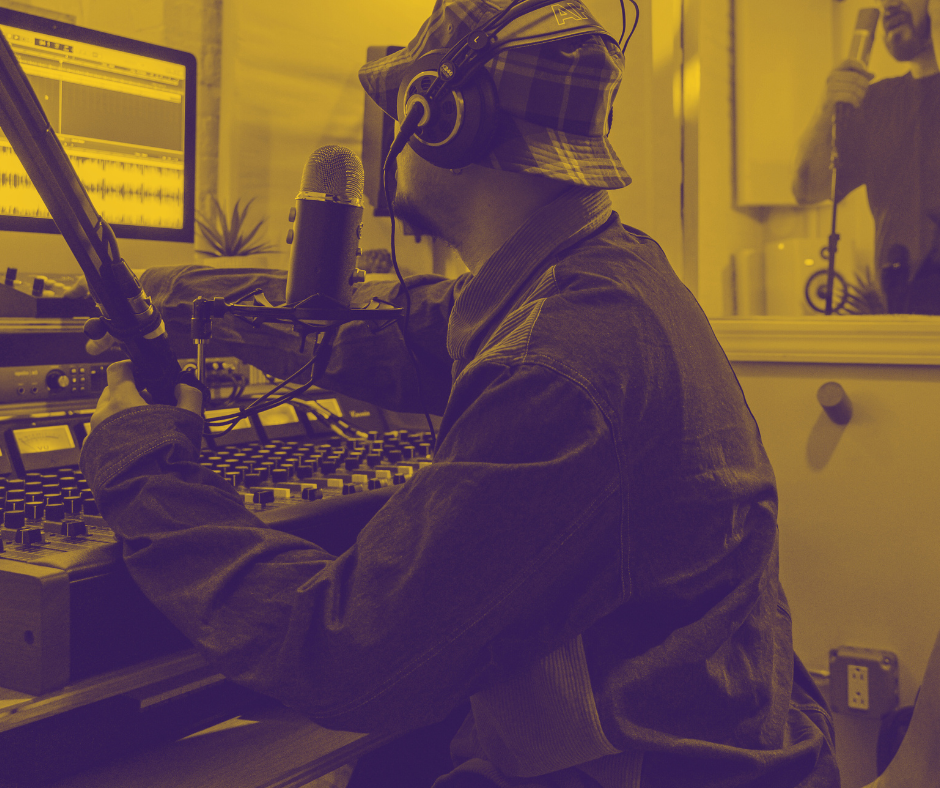
Moreover, mastering the use of effects is vital in creating immersive environments within your mix. For instance, reverb can place a voice in a virtual space, making it feel close or distant, while delay can add complexity and texture to simple rhythmic patterns. Experimenting with advanced techniques such as mid-side processing can further enhance your mix by tweaking stereo width, giving your music a fuller and more balanced sound. Additionally, utilizing dynamic EQ can offer more responsive and precise frequency adjustments, helping to solve mix issues that static EQ might miss.
Incorporating these sophisticated mixing techniques into your workflow will elevate your projects to professional standards. It allows you to create mixes that not only sound good but also convey the emotional depth and artistic intent behind your music. By pushing the boundaries of what you can achieve through mixing, you not only improve the technical quality of your tracks but also enhance their artistic expression, ensuring they leave a lasting impact on your audience.
Do Not Forget Sound Design
Sound design and mixing are two distinct yet interconnected facets of music production. While mixing focuses on balancing and blending all the elements of a track to achieve a harmonious output, sound design is about creating and shaping the individual sounds that will later be mixed. Sound design is a crucial element in defining a unique auditory identity that can set your music apart, regardless of genre. Whether you’re producing folklore, electronic music, or any other style, sound design should be an integral part of your creative process. For example, even a simple composition featuring just a voice and a guitar can be transformed through thoughtful sound design. Choosing the right microphone and recording techniques, as well as carefully selecting effects for editing, can significantly enhance the character and emotional impact of the recording.
Pushing the boundaries of traditional sound sources through various synthesis methods is a key strategy in innovative sound design. Techniques like subtractive, additive, FM, and granular synthesis each offer unique possibilities for creating original sounds from scratch. Subtractive synthesis, for example, molds sound by removing frequencies from a rich harmonic oscillator, ideal for crafting bold, resonant tones. Additive synthesis builds complex sounds by layering simple waveforms, offering precision and control in tone creation. FM (Frequency Modulation) synthesis, known for its dynamic and expressive sounds, manipulates waveforms via frequency, producing a range of tones from warm pads to aggressive basslines. Granular synthesis, meanwhile, breaks sound into small grains and then reassembles them to form new textures, perfect for creating ambient landscapes or surreal effects.
Additionally, the art of sampling extends beyond mere pitch or length manipulation. Reshaping samples through effects, layering, and resynthesis allows you to morph and transform simple recordings into rich, intricate textures that breathe life into your tracks. By manipulating the raw materials of sound, you can tailor each element to fit your musical vision precisely, resulting in a more cohesive and personalized sound palette.
Embracing sound design and synthesis not only enriches your musical output but also enhances your ability to express your artistic intentions. Whether refining the timbre of a single guitar string or constructing a complex electronic soundscape, the thoughtful application of sound design principles is essential for producing distinctive and impactful music.
Learn via Collaboration
Collaboration is a tremendous learning tool and an essential aspect of music production. Working with other musicians not only inspires new ideas but also exposes you to different production techniques that can enhance your own skills. Engaging in collaborative projects with other home studio producers, mixing engineers, and mastering engineers opens up a wealth of knowledge and experience. It’s important to remember that you don’t need to know everything. While earlier I mentioned that you can always delegate certain processes like mixing and mastering to professionals, maintaining creative control and understanding your trade is crucial.
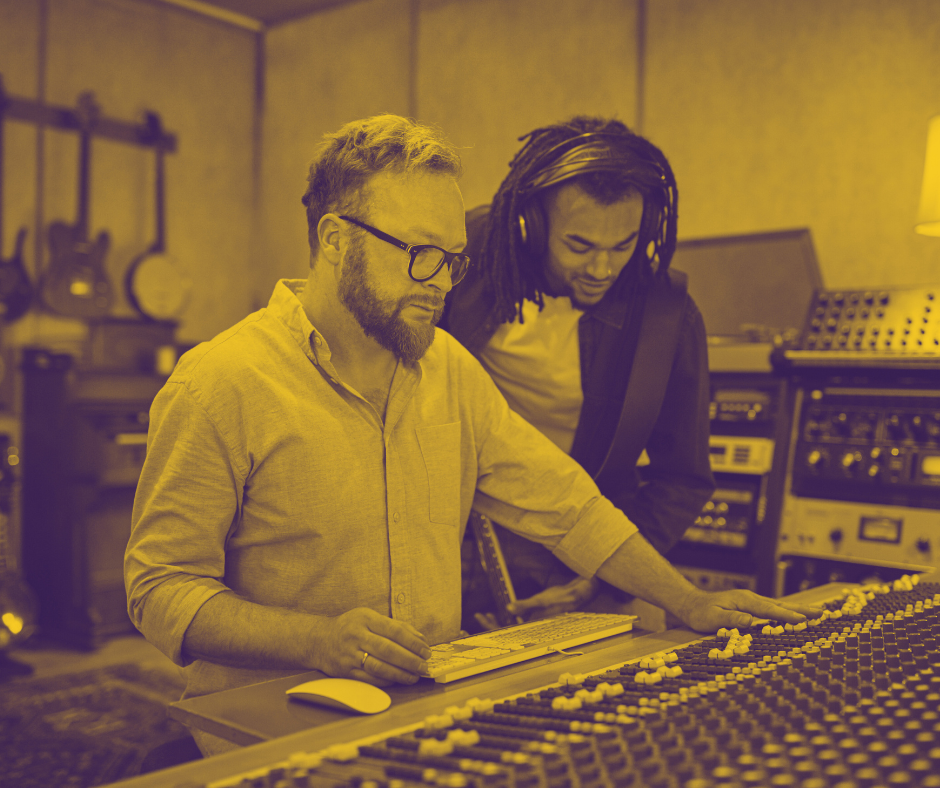
Therefore, collaboration is not just about completing a project but is also a significant educational opportunity. By adopting a can-do attitude and actively participating in these partnerships, you stand to gain invaluable insights. Additionally, it’s vital to seek and be open to feedback on your work from peers and mentors. Constructive criticism provides new perspectives on your music, highlighting areas for improvement and encouraging personal and professional growth. This exchange of ideas and feedback can dramatically refine your skills and broaden your understanding of music production, ultimately leading you to create better, more impactful music.
Embrace Lifelong Learning Reality
In the ever-evolving world of digital music production, embracing lifelong learning is not just an option—it’s a necessity. The landscape of technology and creativity is constantly shifting, bringing new tools, techniques, and challenges to the forefront. To stay relevant and innovative in your craft, it’s crucial to continually update your knowledge and skills. This commitment to growth ensures that you remain in charge of your artistic and technical output, keeping you at the cutting edge of the industry.
The journey of a musician or producer is one of perpetual education. Each project presents unique challenges and learning opportunities, whether you’re experimenting with the latest digital audio workstation, incorporating new sound design techniques, or navigating the complexities of a collaborative project. The willingness to learn and adapt is what separates the enduringly successful from the transient.
Moreover, the pursuit of knowledge in music production doesn’t have to be a solitary endeavor. Engaging with a community of like-minded individuals—whether through online forums, workshops, or collaborative projects—can dramatically enrich your learning experience. These interactions not only provide moral support but also expose you to diverse perspectives and strategies that can enhance your approach to music production.
Therefore, take charge of your continuous development. Invest time in learning new technologies, stay updated with industry trends, and actively seek feedback on your work. By fostering a mindset geared towards lifelong learning, you ensure that you are always growing, both as an artist and as a professional, ready to meet the demands of a dynamic musical landscape with confidence and skill.
Conclusion
As we conclude this comprehensive exploration into the multifaceted world of music production, it’s important to remember the foundational elements that make up our digital workspaces. Early in this book, we delved into the critical components of the computer that form the backbone of any modern studio—highlighting the importance of the CPU, RAM, and motherboard, and how they influence the processing power and efficiency of music production tasks.
Throughout the chapters, we have seen how integrating digital tools enhances productivity and creativity. From the intricate workings of Digital Audio Workstations and the detailed overview of essential hardware such as high-quality audio interfaces, microphones, and monitors, to the advanced capabilities of MIDI controllers, each component plays a crucial role in shaping the music production process.
Moreover, this book has not only focused on the hardware but also emphasized the power of software advancements, particularly through virtual instruments and effects, exploring popular formats like VST and AU. These tools have shown to extend the producer’s sonic palette, allowing for a broader expression and experimentation within projects.
Reflecting on the journey from understanding the core of your computer setup to mastering sophisticated production techniques and embracing the spirit of collaboration and feedback, it’s clear that the path to becoming a proficient music producer is both challenging and rewarding.
In advancing your skills, remember that knowledge of both the digital domain and the underlying hardware is vital. Just as a musician must know their instrument, a producer must understand their studio. Each component, from the smallest capacitor on a sound card to the comprehensive suite of plugins in a DAW, contributes to the final sound quality and functionality of your studio.
This book has been designed not only to guide but to inspire continued learning and exploration. Whether you’re adjusting settings on a mixing console, fine-tuning a synth patch, or syncing tracks across a digital network, the tools and techniques covered here are your foundation. Embrace the continuous journey of learning, adapt to new technologies, and leverage every tool at your disposal to craft music that is both technically sound and emotionally compelling.
By keeping abreast of technological advancements and maintaining a hands-on approach to every aspect of music production, from recording and editing to mixing and mastering, you ensure that your work not only meets professional standards but also captures the essence of your artistic vision. Let this book serve as a cornerstone of your ongoing education, a springboard into the evolving world of music production, where innovation and tradition converge to create tomorrow’s sounds.